

1
Create your BigCommerce account
If you don’t have a store yet, sign up at BigCommerce and start a free trial.
2
Open the PitchPrint app listing
Go to PitchPrint on the BigCommerce App Marketplace and click Get this app.
3
Install the app
Click Install and approve the requested permissions.
4
Log in to PitchPrint
Log in to your PitchPrint account using the credentials emailed to the address on your BigCommerce account.
5
Choose your installation plugin
Select the installation plugin you intend to use.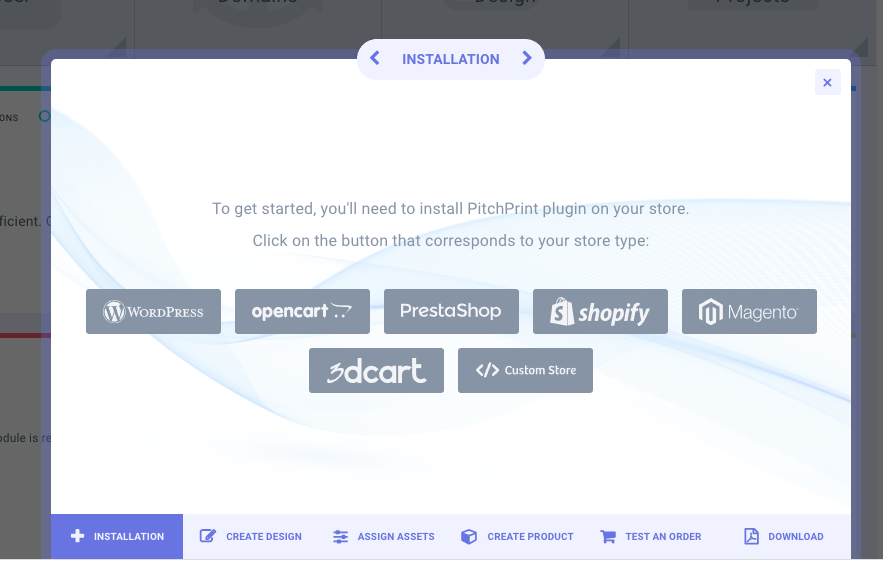
6
Set up your first product
With the plugin selected you can import designs, create a new design, assign assets and create a product.
For the full walkthrough with screenshots at every stage, see How to install PitchPrint on BigCommerce.