AI Upscale module
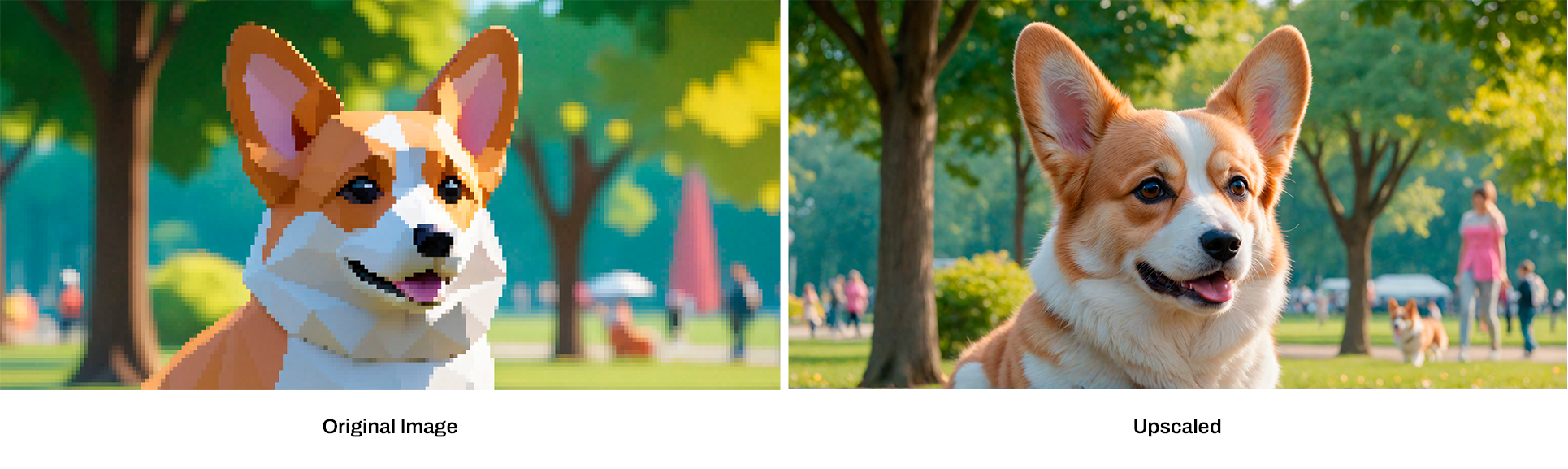
This module allows your customers to increase the size or resolution of an image using AI, while keeping or even improving its quality. Traditional methods often cause a loss of detail, but AI-powered upscaling models—like those from Stability AI—use advanced machine learning to intelligently “guess” what the extra pixels should look like.
Illustration of an image being upscaled to a higher resolution
Key features of AI upscaling include:
  1. Super-Resolution: The AI takes a low-resolution image and adds missing details to create a high-resolution version. It learns from large amounts of data to fill in realistic details like textures and fine features (e.g., hair, skin, or text).
  2. Deep Learning Algorithms: Stability AI uses deep learning to identify patterns in images, predicting missing details and refining pixelated areas during the upscaling process.
  3. Preserving Quality: The AI prevents blurriness or other issues that usually occur with standard upscaling methods, producing sharper and more accurate images.
How to use Upscale:
1

Add your image to the canvas

Start by uploading your image into the PitchPrint editor, and inserting it on the canvas.
2

Open Edit Picture

Once the image is on the canvas, click on the ‘Edit Picture’ button
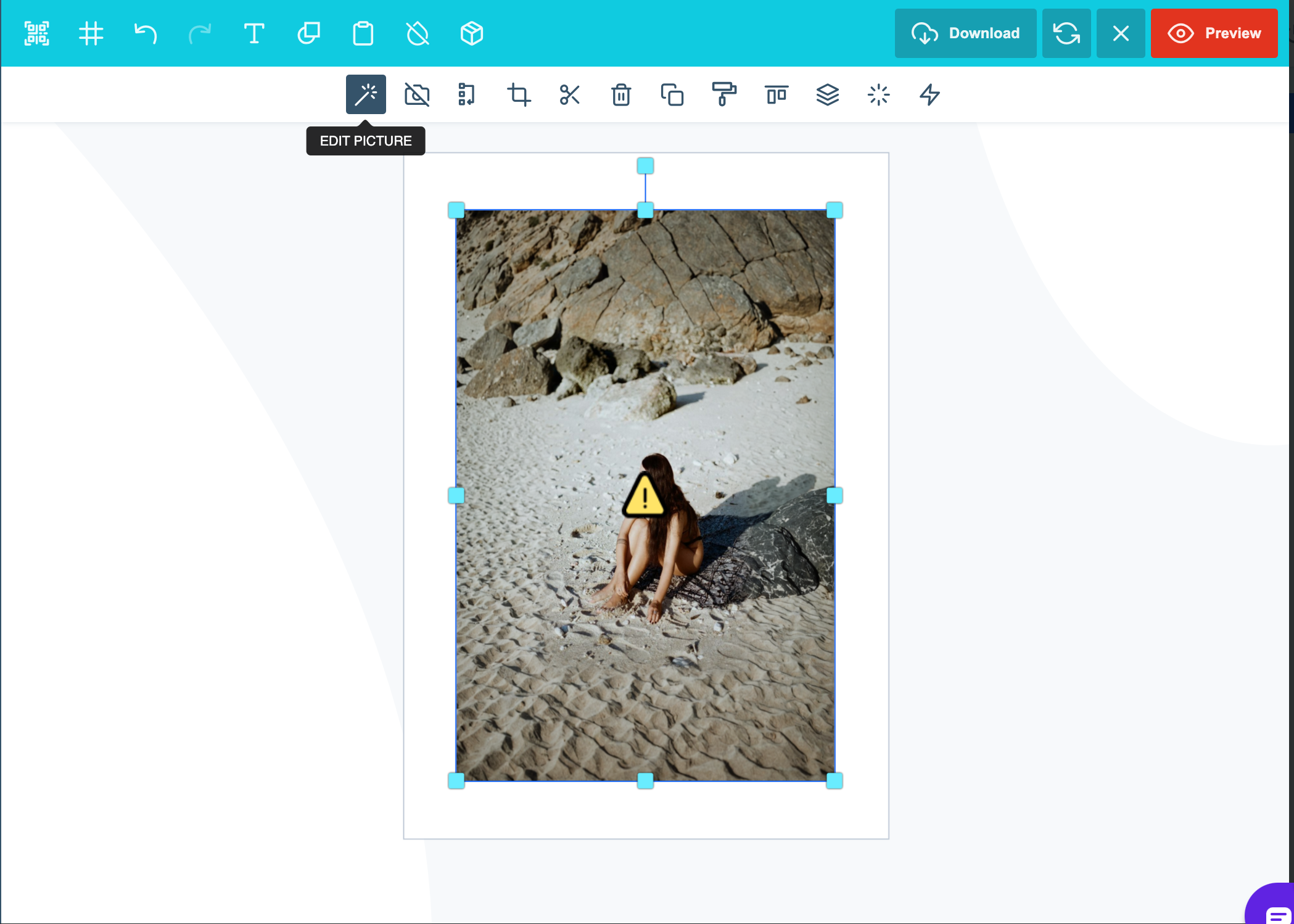
Edit Picture button shown for the image selected on the canvas
3

Click Upscale

In the side panel you will find the AI Image enhancement tools, Click on ‘Upscale’
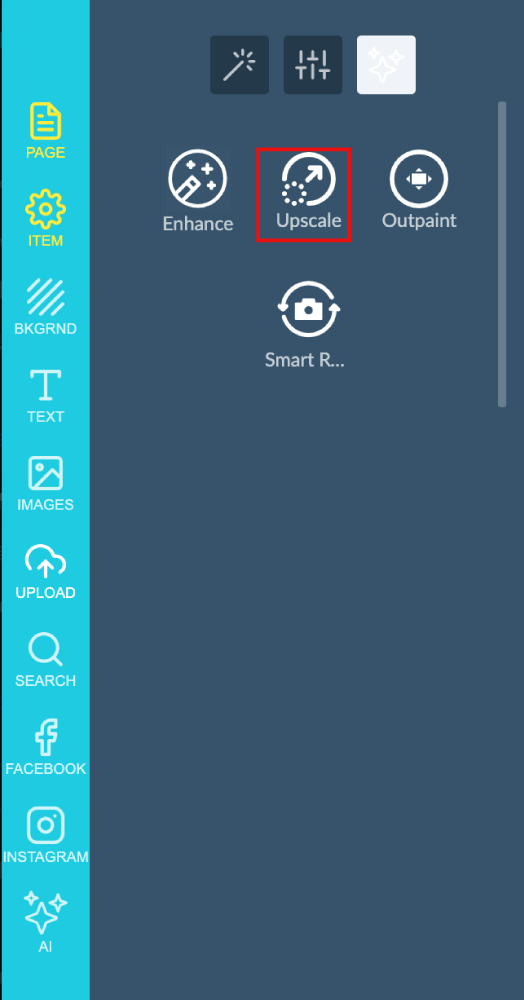
Upscale listed among the AI image enhancement tools in the side panel
Upscale panel open in the editor side panel
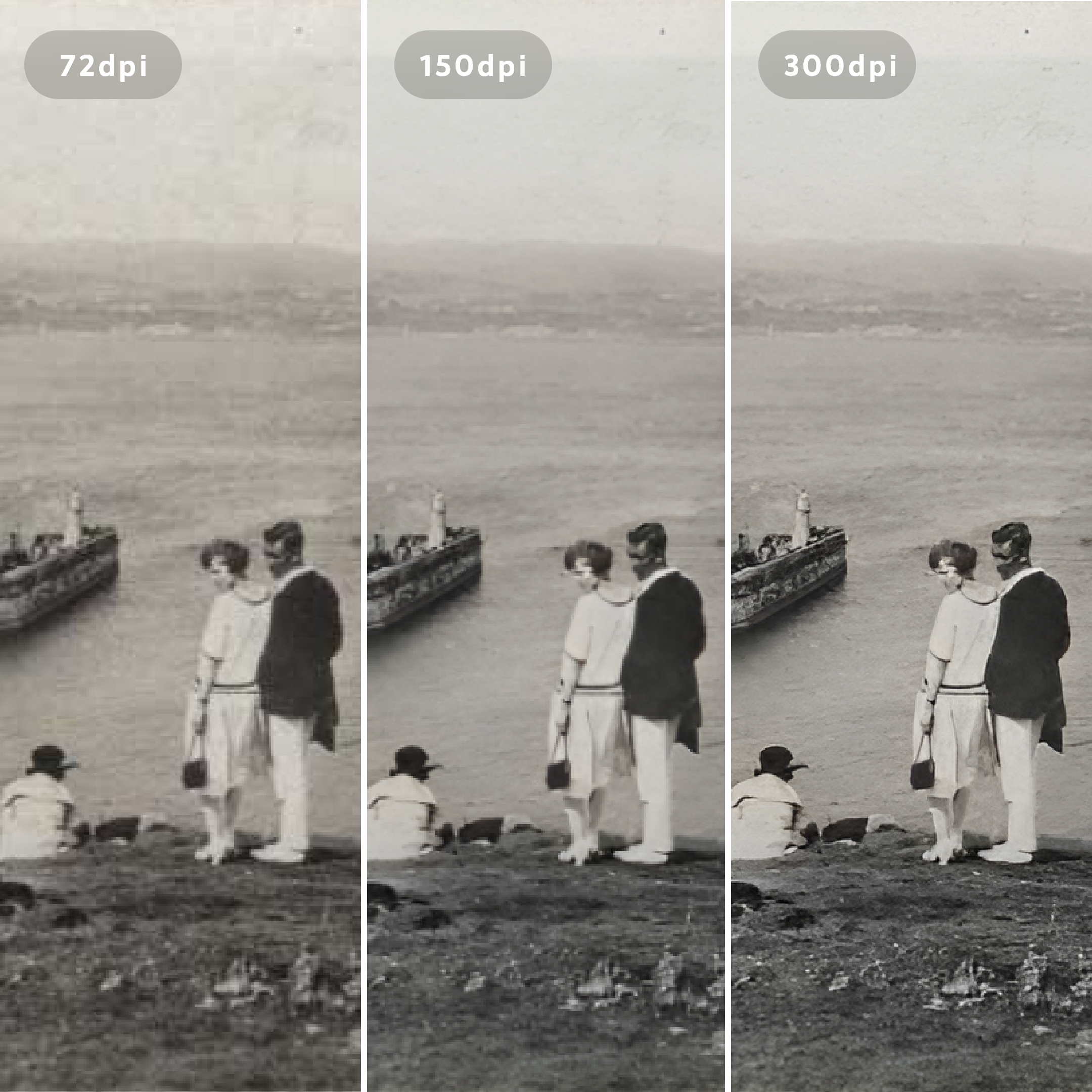
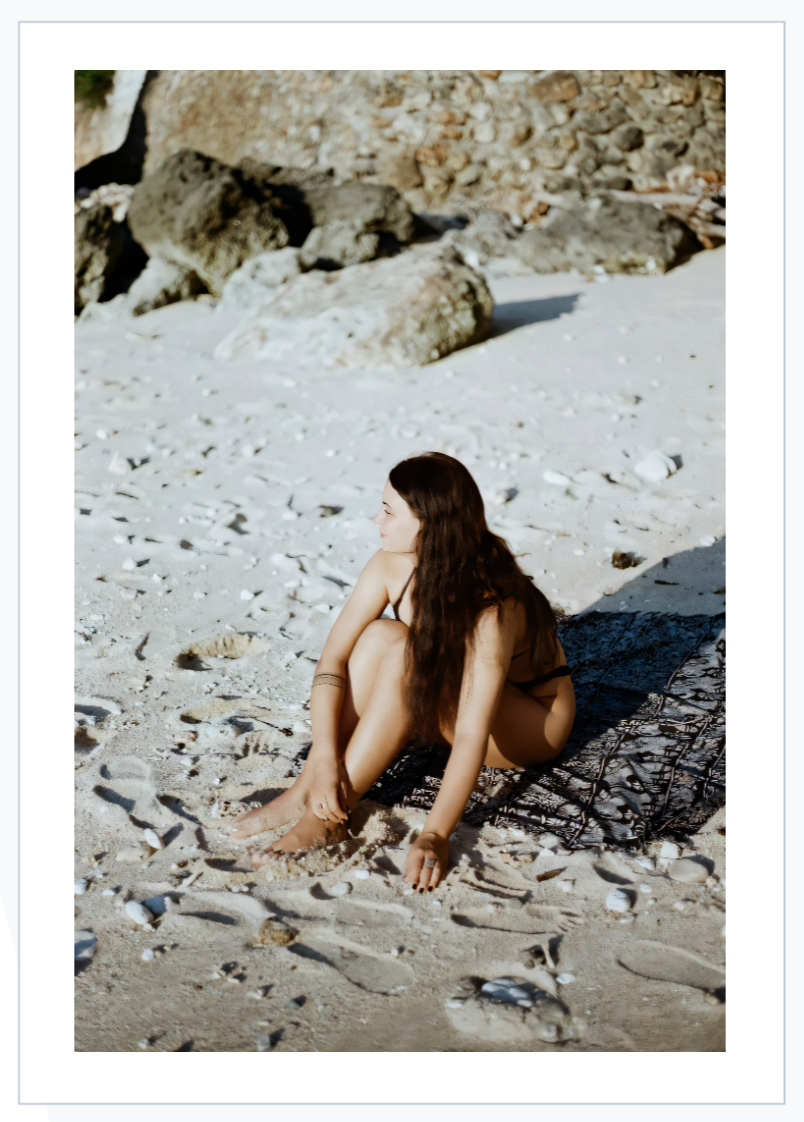
Upscale achieves results like this, restoring old low-res images into crisp images:
An old low-resolution photo shown next to its crisp upscaled version
Common Uses: - Restore or improve old or low-quality images. - Enhance images for larger print formats, like posters, without losing quality. - Increase the resolution of digital assets for gaming, video production, or digital art. In short, this module allows your customers to upscale images, making them clearer and more detailed using advanced AI technology. Please note that this feature is still in BETA mode and we will continue to add functionality. Please reach out to us via support@pitchprint.com with any suggestions or questions. *Additional charges apply

AI Outpainting

Expand images beyond their original borders with AI.

AI Smart Replace

Find and replace elements within an image using AI.

AI Structure

Refine images while preserving layout, proportions, and composition.

Remove Background

Remove the background from an image inside the editor.