AI Outpainting module banner
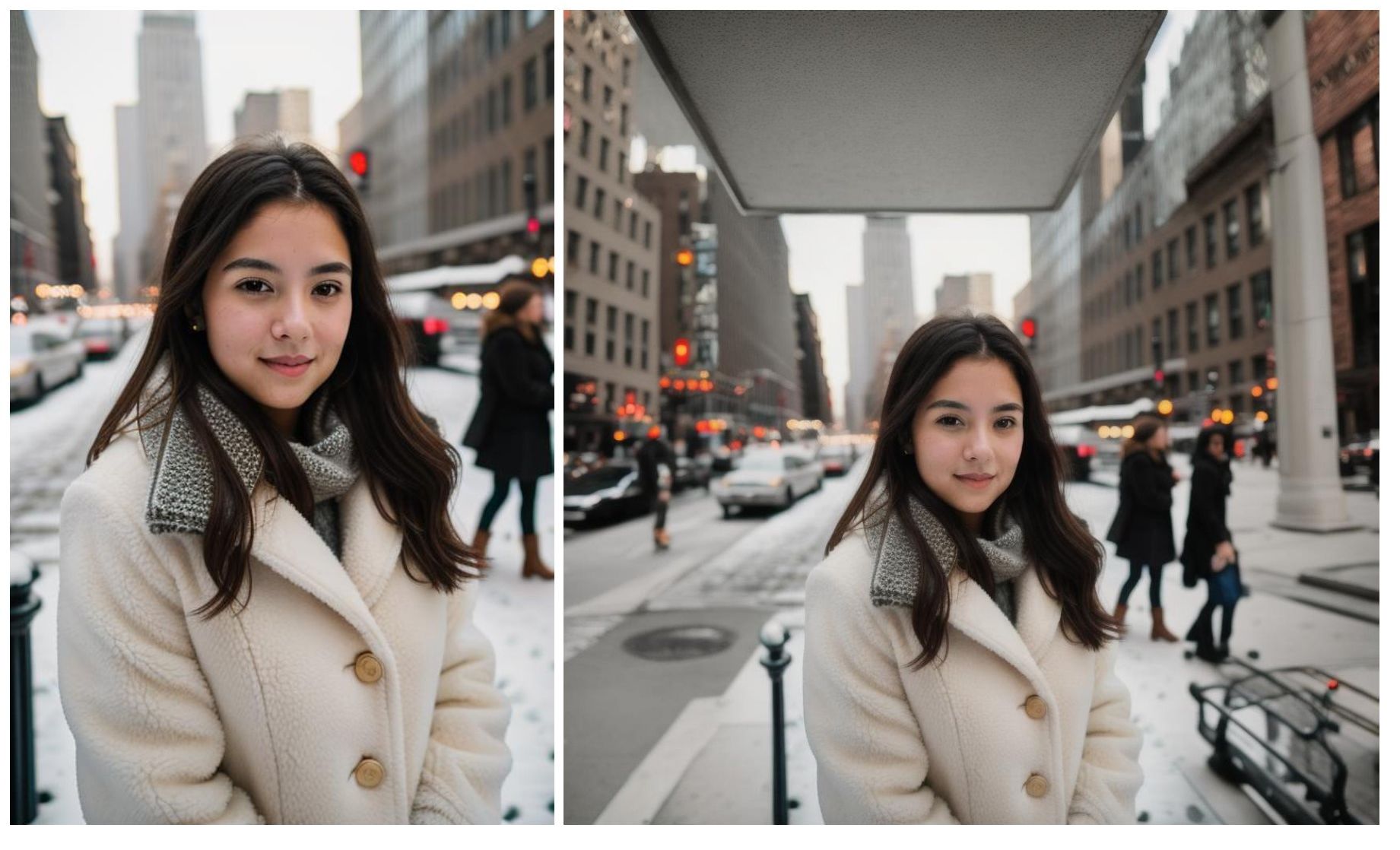
This module allows your customers to expand images beyond their original borders using AI outpainting technology. By leveraging powerful machine learning algorithms, outpainting analyzes the style, textures, and composition of an image to seamlessly generate new content that blends with the existing elements. This technique can be used to:
Example of an image extended beyond its original borders by outpainting
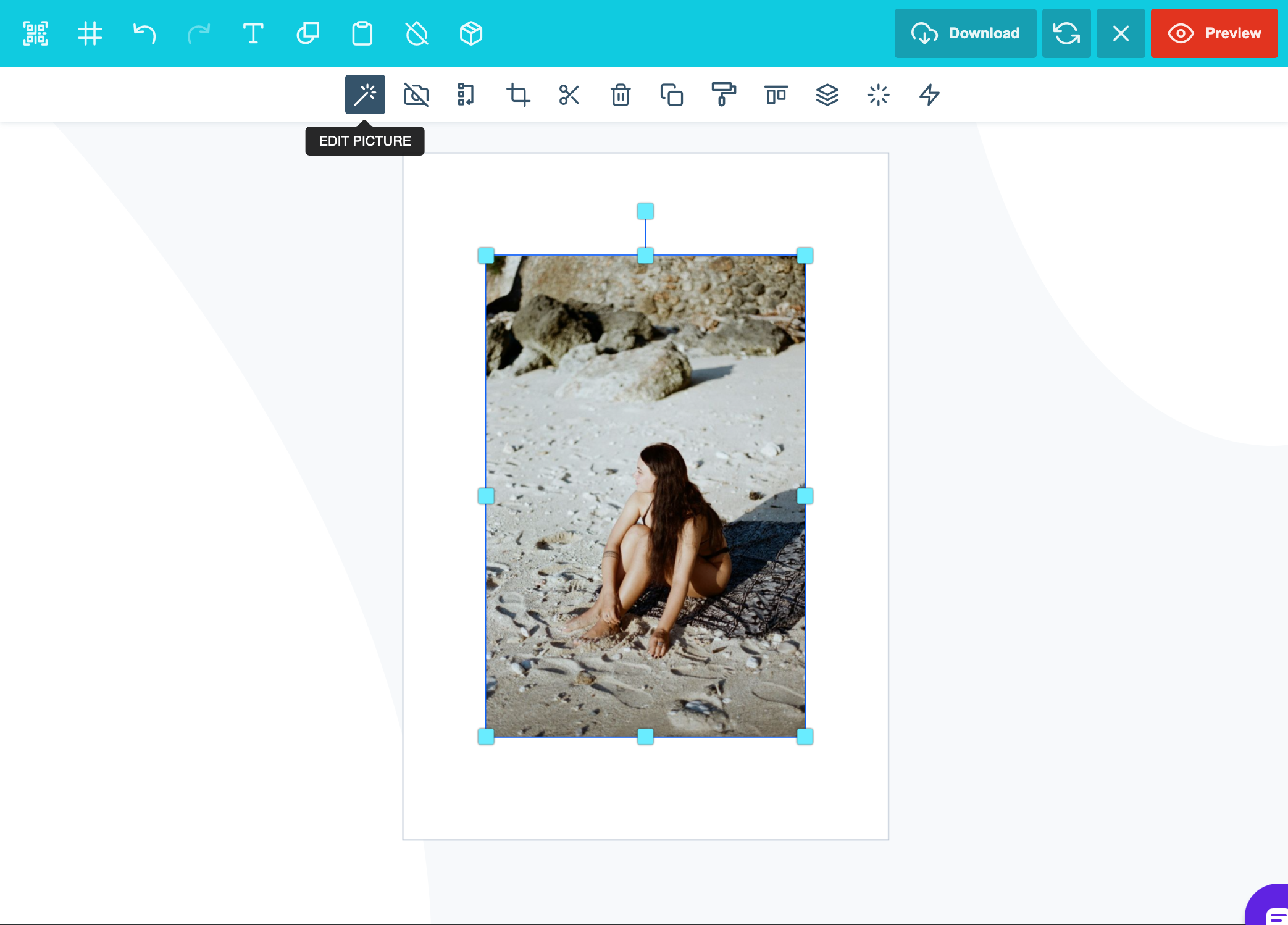
- Expand a Scene: Reimagine a cropped photo by predicting and filling in what the rest of the scene might look like. - Creative Edits: Enable artists and designers to extend artwork, create variations, or develop larger visuals from smaller sections of their designs. - Enhance and Repair Images: Restore incomplete or damaged images by filling in missing parts with coherent visual elements. How to use Outpaint: Start by uploading your image into the PitchPrint editor, and inserting it on the canvas. Once the image is on the canvas, click on the ‘Edit Picture’ button
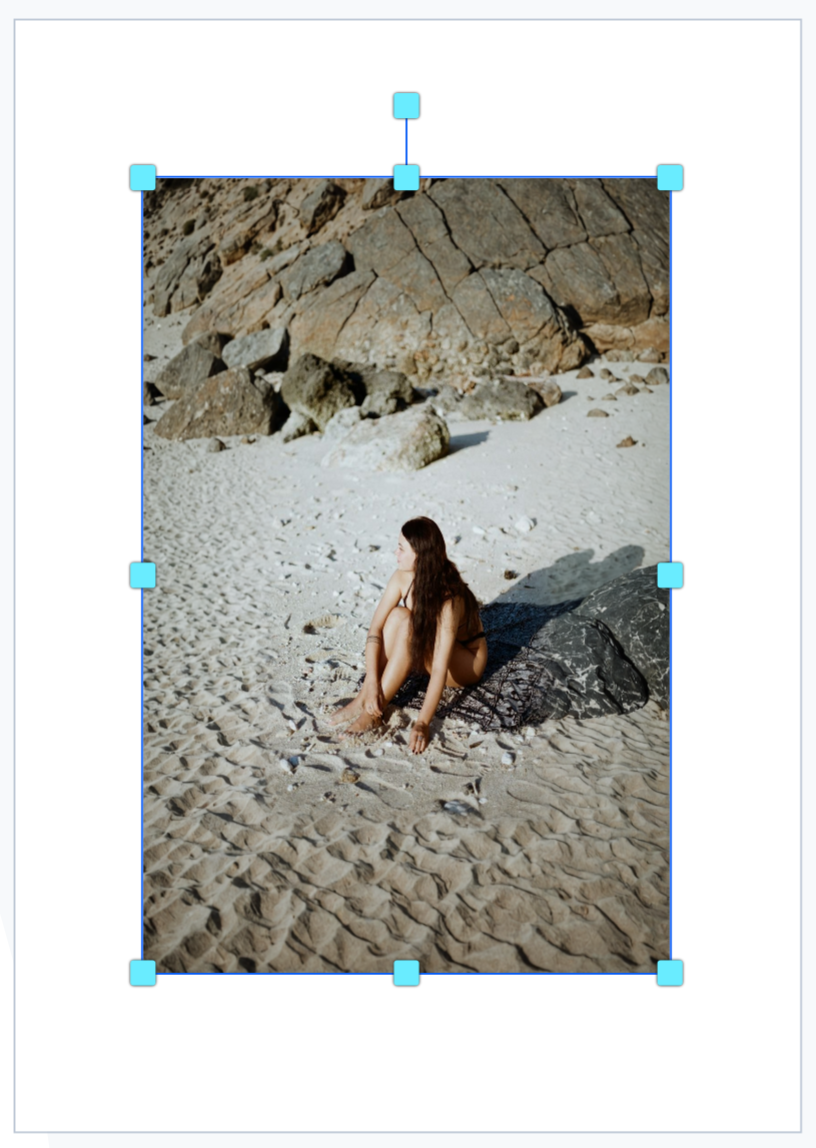
Image selected on the editor canvas with the Edit Picture button available
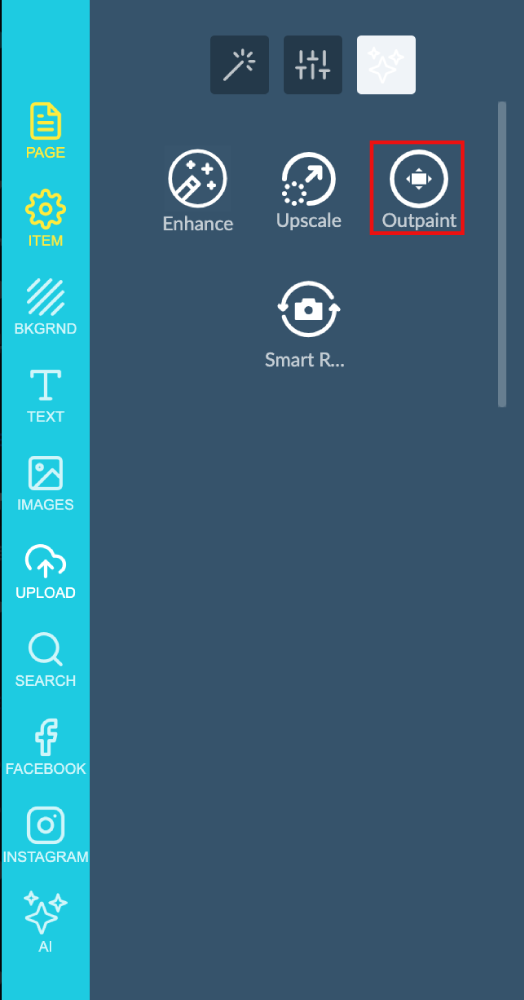
In the side panel you will find the AI Image enhancement tools, Click on ‘outpaint’
Side panel of AI image enhancement tools with the outpaint option
The AI Feature will then automatically expand the image for you.
Canvas image after the AI has automatically expanded it
Please note that this feature is still in BETA mode and we will continue to add functionality. Please reach out to us via support@pitchprint.com with any suggestions or questions. *Additional charges apply

AI Upscale

Increase image resolution and quality with AI without losing detail.

AI Smart Replace

Find and replace elements within an image using AI.

AI Sketch to Image

Convert rough sketches into fully detailed images.

AI Structure

Refine images while preserving layout, proportions, and composition.