

1
Source a placeholder image
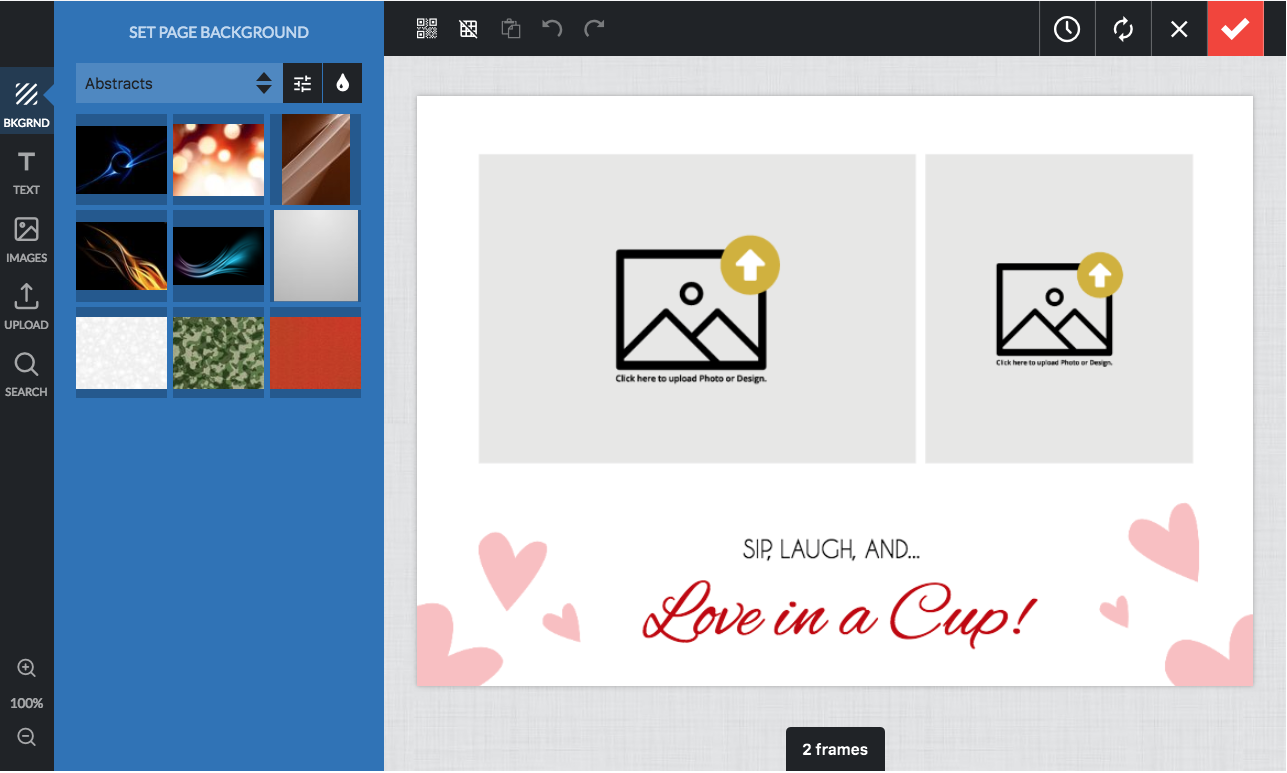
You will have to source a image or design you’d like to use, I’d recommend PNG files.
(Attached are 2 sample placeholder images)

2
Find the Mask upload indicator setting
Go to the PitchPrint Admin Settings: Settings page
Scroll until you see the Mask upload indicator setting (it’s in the editor section.)
3
Upload your image
Click the ‘Change Picture’ button it will open a browser window, find your image and upload it.
4
Save the settings
Lastly click the ‘Save Settings’ button (top right.)
Related articles
How to create a clickable mask
Turn a shape into an image placeholder customers can click to insert images.
Custom Mask
Use any shape as a clipping area to trim content in the final PDF.
How to create an SVG for use as a Mask
Prepare a single-path SVG that can be used as a photo mask.
How to create templates using SVG shapes
Build a design template from an SVG shape, such as a phone case.