

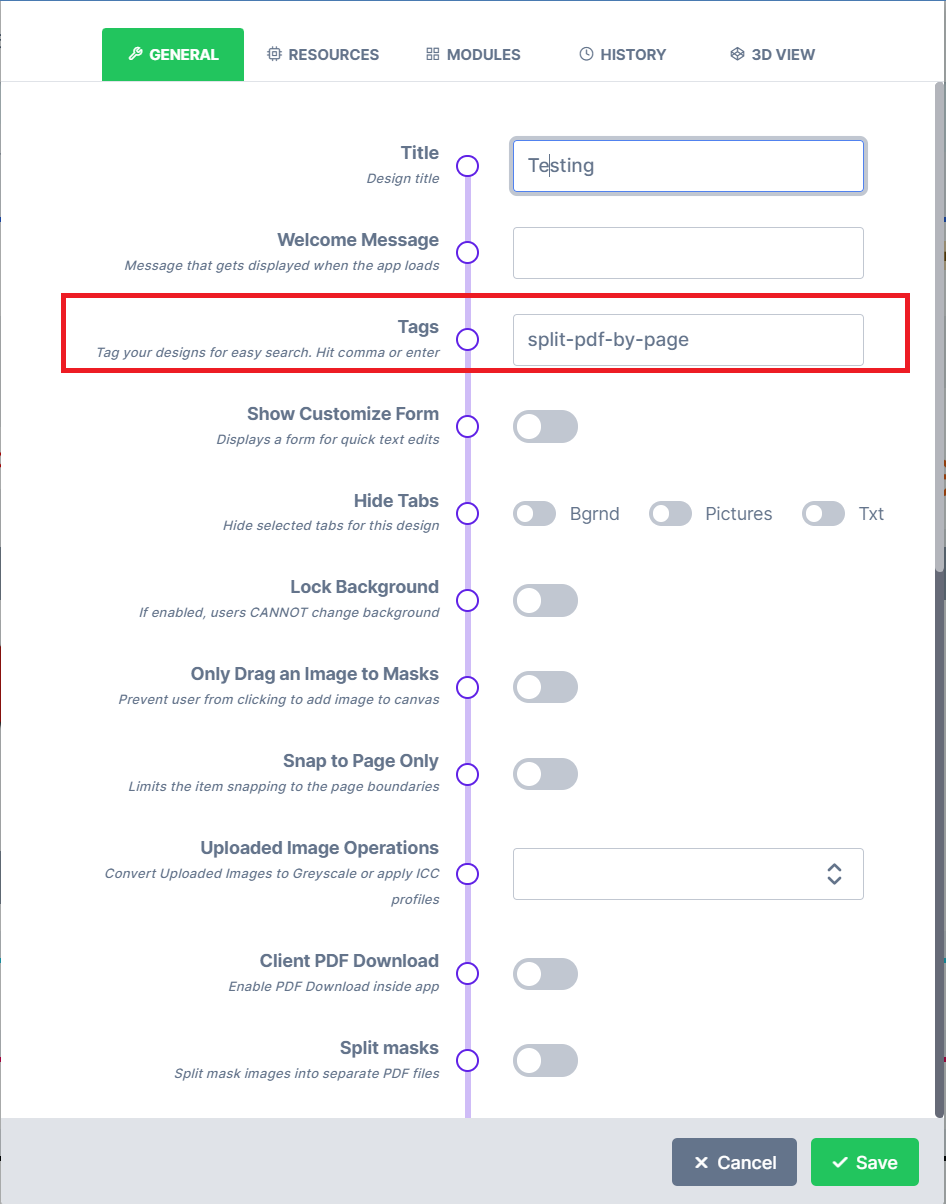
- split-pdf-by-page - This tag creates a zip file of the project with each page being on a separate pdf in the zip file.
Related articles
Design Item and Page Tags
Reference of item and page tags such as page-clip, always-top, no-mask and grommets.
Add recognized keywords to a design’s settings to switch on features such as splitting the output PDF into one file per page.