

Why the uploader exists
PitchPrint can convert an uploaded PDF in two ways, and both of them lose editability:
The PDF Uploader avoids both limitations and keeps the artwork editable.
What you can edit after uploading
Text
Modify any text element carried over from the PDF.
Groups
Group and ungroup items to manage elements.
Images
Move and scale images to fit the layout you want.
Backgrounds
Change the background from inside the editor.
Upload a PDF
1
Open Import Designs
Go to Designs and click Import Designs.
2
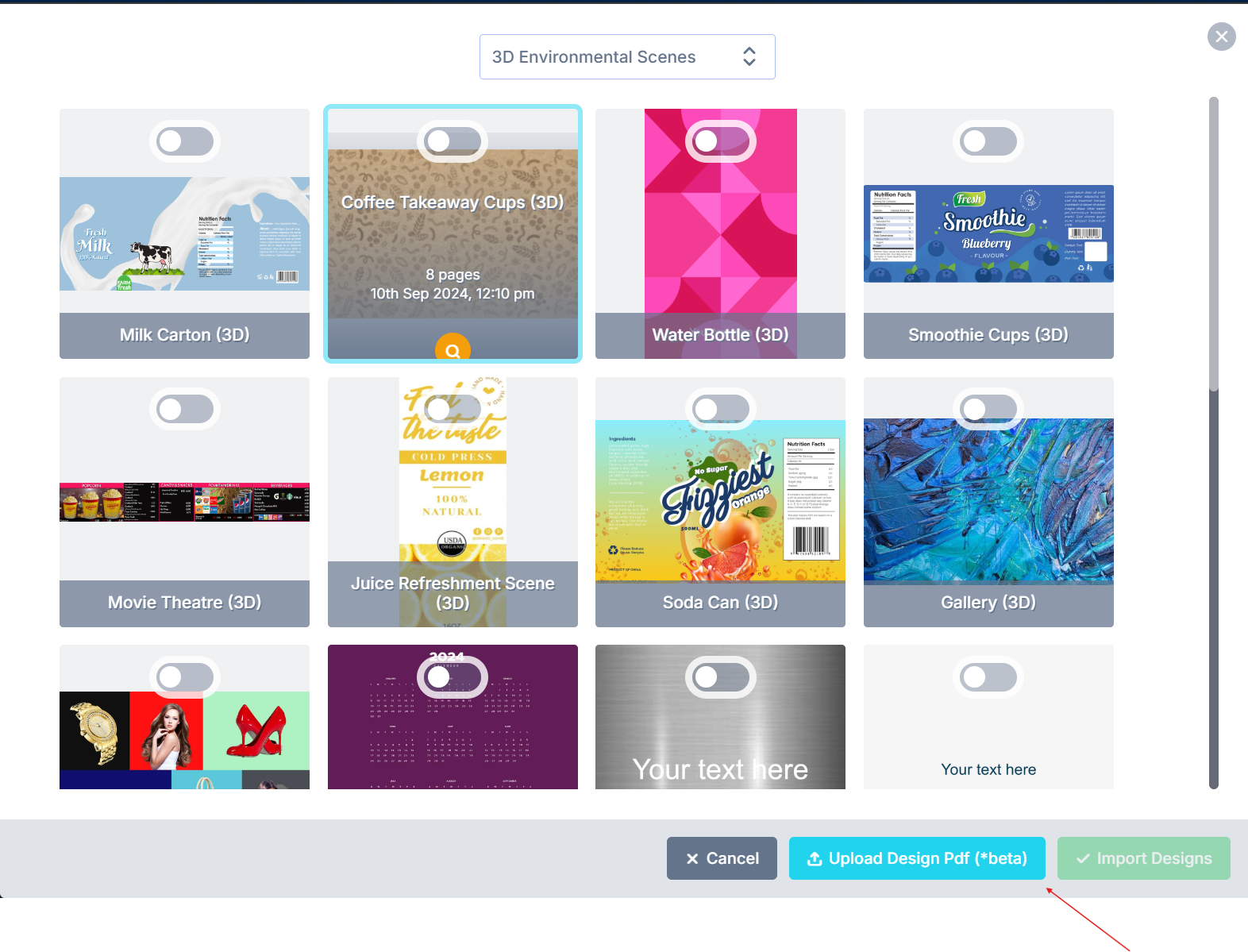
Choose Upload Design PDF
3
Select your file
Pick the PDF from your local storage. It is added as a design in the selected category, ready to edit and save.
We are still adding functionality to the uploader. Send suggestions or questions to support@pitchprint.com.
Related articles
PDF Rendering
How PitchPrint generates print-ready PDFs and its distiller engines.
Ghostscript Arguments
Customize PDF output with Ghostscript conversion arguments.
Automation: Sending your PDF file to Printer
Automate emailing PDF output to your printer using webhooks and Zapier.