Trusted by 2,000+ Print Companies Worldwide

Shopify Web-to-Print App for Custom Product Stores

Transform your Shopify store into a powerful online design platform. Let customers personalize products with our intuitive editor and real-time 3D previews. Get print-ready files automatically. Install in minutes.

Start Your 14 Day Free Trial
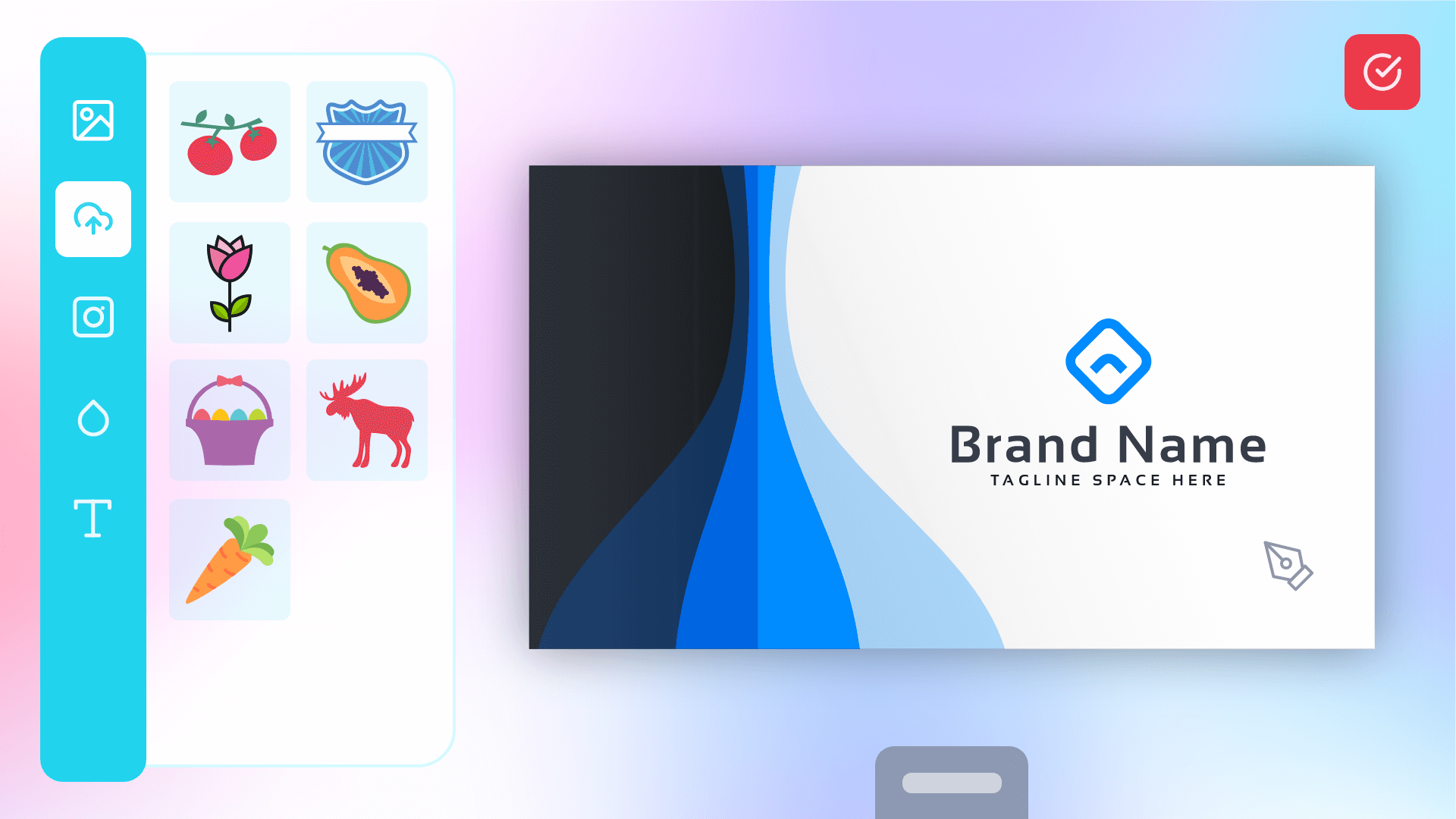
Editor Preview

Trusted by top print companies around the world

Why Choose Web2Print

Benefits of Using a Web2Print Plugin

Transform your ecommerce store with powerful customization features that delight customers and streamline your workflow.

🎯

Convenience

Customers can Design, Customise, and Order Printed Materials online anytime, from anywhere, without needing to visit a physical store. This 24/7 access makes it easier for them to manage their printing needs.

Time Saving

Web2Print platforms offer ready-made templates and pre-designed options, saving customers time and design costs. With instant ordering and reordering, the process becomes faster and more efficient, reducing delays.

Personalization

Customers can easily personalise products with their own branding, logos, and text ensuring the final product aligns with their unique needs. This flexibility can lead to more creative and effective marketing materials.

👁️

Real-Time Preview

Customers can view real-time design previews and make instant adjustments, reducing errors.This streamlines approval and increases confidence in the final product.

Ready to transform your print business?

Start Free Trial

No credit card required • Setup in 5 minutes • Cancel anytime

See It In Action

Preview the Editor for Every Product Type

Switch product categories to see how your customers would interact with the editor.

Live Editor Preview

No product selected

Select Product Type To See Editor In Action

Installation Guide

Install PitchPrint on Shopify in 6 Easy Steps

Get your Shopify store running in minutes. No technical expertise required. Follow our step-by-step installation guide below.

Need Help with Installation?

Our support team is ready to assist you. Access detailed documentation, video tutorials, or contact us directly for personalized help.

Production grade Web-to-print platform


Interactive 3D Product Preview

Let customers see exactly how their design looks on the finished product from every angle. They can rotate, zoom, and inspect their custom creation in realistic 3D before ordering—eliminating doubts and dramatically reducing returns.

Try rotating the sample product on the right, or
Click here to edit a product sample

3D Studio Editor

Bring your own Mesh

Realistic Product Renders

Works Everywhere

Import from our Store

Custom 3D Designs


Top Features

Built to Convert More Custom Orders

These are the features that most directly increase order volume, reduce manual work, and improve print quality across your store.

Client Success Stories

How we helped print companies like yours thrive

Frequently asked questions

Yes! PitchPrint is designed to work seamlessly with all Shopify themes, including Online Store 2.0 themes, vintage themes, and custom themes. The app automatically integrates with your product pages, and the customize button adapts to your theme's design.
The PitchPrint app is free to install from the Shopify App Store. However, you'll need a PitchPrint account to connect your store. PitchPrint offers a free trial, and paid plans.
Yes, it's recommended to temporarily disable cookie consent applications during the initial PitchPrint setup. These apps can interfere with PitchPrint until customers accept cookies. Once setup is complete, you can re-enable them—just ensure customers accept cookies before using the design editor.
Once installed and configured, a 'Customize this design' button automatically appears on products you've assigned design templates to. Customers click this button to launch the design editor, where they can personalize the product in real-time before adding it to their cart.
PitchPrint automatically generates print-ready PDF files with proper bleeds, crop marks, and CMYK color profiles. You'll receive high-resolution files suitable for professional printing. Custom file format options are available in the admin settings.
When an order is placed with a custom design, open the order in your Shopify admin panel. Click the context menu (three dots) in the top right corner and select 'Download PitchPrint Files'. This will download all print-ready designs and any uploaded files associated with that order.
Yes! When assigning designs to products, you'll see a 'Required' toggle switch. When enabled, customers must successfully submit a PitchPrint design before they can add the product to their cart. This ensures all orders include customization.
Absolutely. The PitchPrint editor is fully responsive and works seamlessly on smartphones, tablets, and desktop computers. Customers can design custom products from any device, helping you capture more mobile sales.
Yes! When assigning designs to products, you'll see an 'Upload' toggle button. When enabled (green), customers can upload their existing design files rather than modifying your templates. They can also do both—customize a template and upload additional files.
Display Modes control how the design editor appears to customers. There are three modes available: Modal (opens in a popup), New Tab (opens editor in new browser tab), and Inline (embeds editor directly on product page). Choose 'Full Window' when assigning designs to configure this. Learn more in our Display Modes documentation.
Yes! When assigning designs to products, you can select entire design categories instead of single designs. This gives customers multiple template options to choose from, increasing flexibility and personalization options.
Yes! PitchPrint is fully compatible with Shopify Plus stores and all enterprise features. The app scales seamlessly from small stores to high-volume operations, making it perfect for growing businesses.

Easy start, No credit card required!


ASK US ANYTHING

Do you print Wedding Invitations, Greeting Cards, Tshirts, Banners, Phone Casings, Envelopes, Loyalty Cards, Restaurant Menus, Burial Programmes, Wine Labels, Wall Murals, Vehicle Decals, Sport Jerseys etc?

We hold periodic webinars. You can sign up for one or schedule a one on one tour of the application.

AUTOMATION

100%

support

24/7

live stores

1,500+