

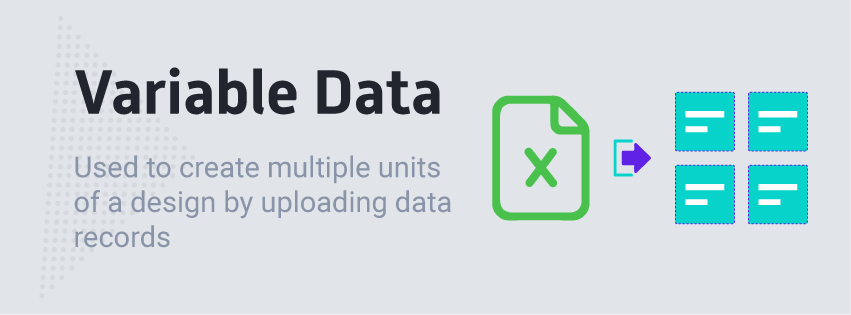
How to Enable Variable Data on a Design
To enable this feature, navigate to your designs page, simply click the Configure button on the design you like to assign this to. Then navigate to the Modules Tab. There you will find the Variable Data module. Click to Enable it and submit the form.
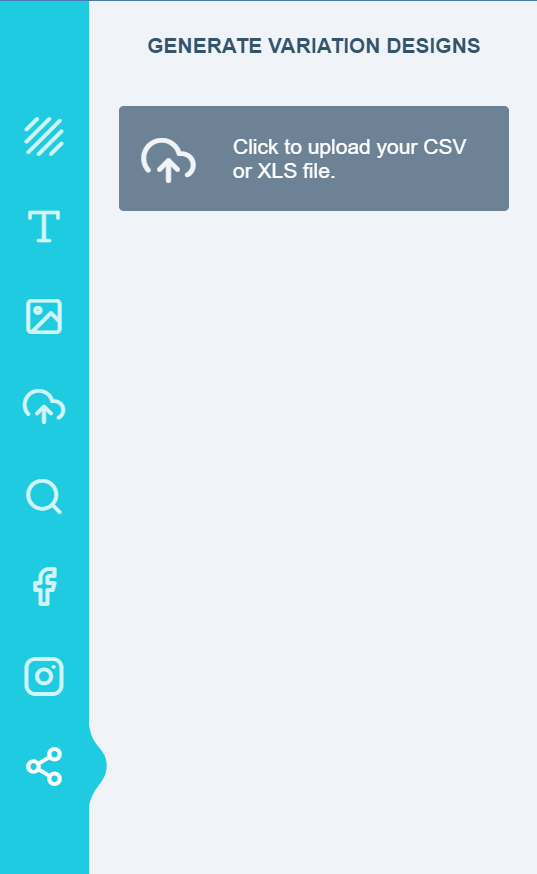
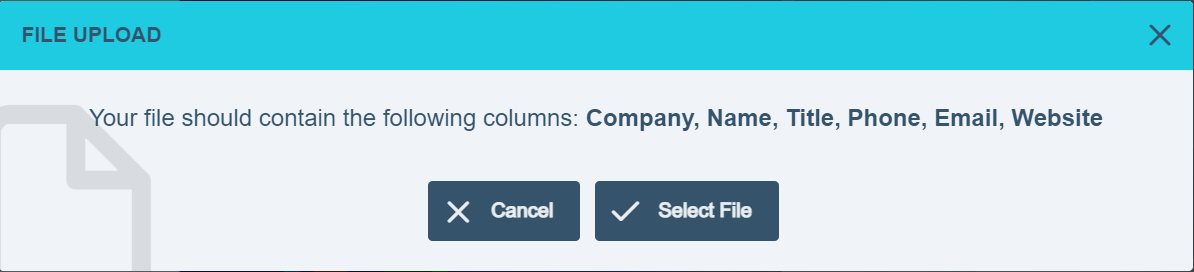
IMPORTANT NOTE: For Variable Data form to display, it is required that at least one item in the design should have its Include In Form option enabled
Related articles
Data Form Module
Add a quick-edit form that lets customers customize design elements without clicking around the canvas.
Data Form Video
Watch a video walkthrough of the Data Form module.
How to update design with customer data
Automatically reflect a signed-in customer’s details in their design from your cart framework.
How to enable the Customization Form
Set up a quick-fill form that appears as soon as the app loads for faster edits.