Shuffle module
Shuffle Module is a Phone-based layout module that makes creating and editing photo books as easy as as possible on handheld devices. With a simple clean interface, the layout module presents the user with clean, accessible three steps cards to select pictures, pick their styles and create their order. Step 1: Select photo source
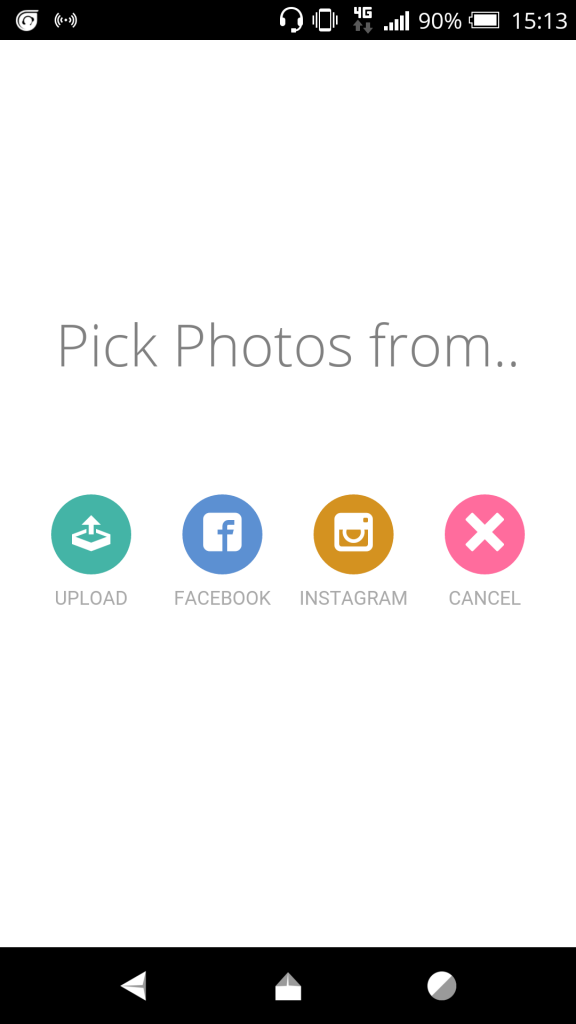
Step 1 card where the customer selects a photo source
Step 2: Choose photos
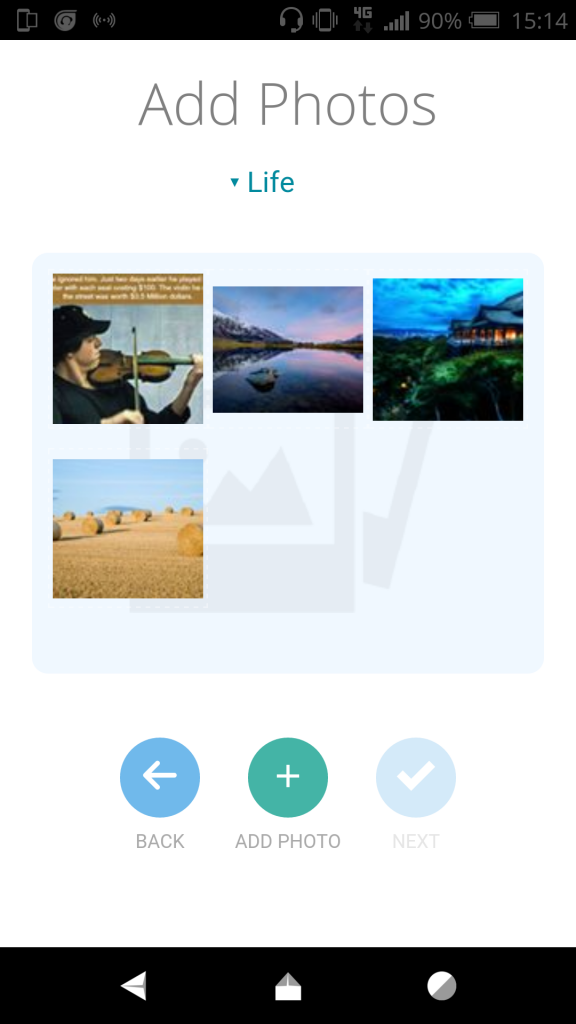
Step 2 card where the customer chooses photos
Step 3: Shuffle photos and pick alternate styles
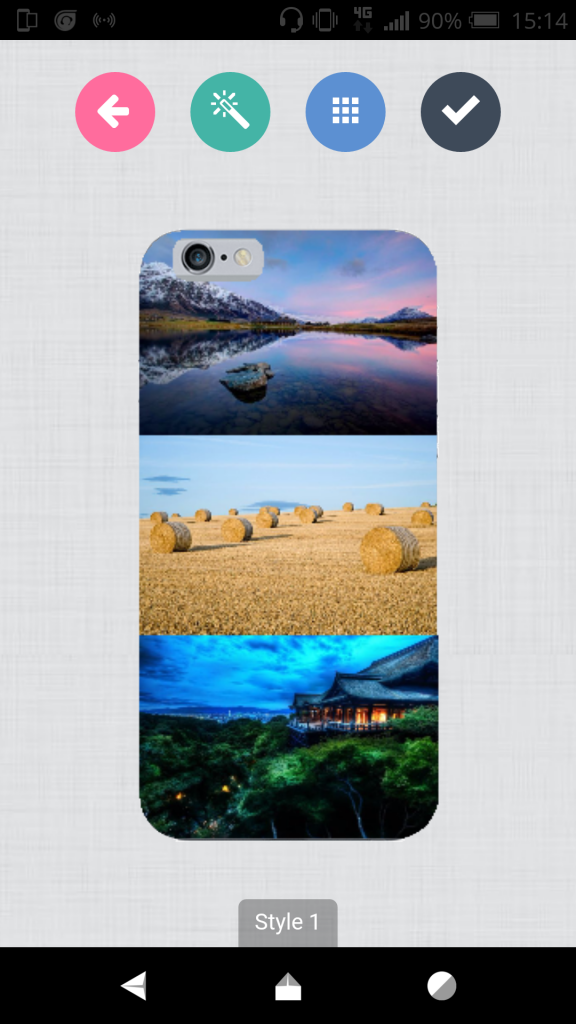
Step 3 card for shuffling photos and picking alternate styles
The module can be enabled against individual designs.

How it works.

When you enable the module, the system copies the “module-shuffle” layout from the store into your domain, so you have a new layout included in your list of layouts. And also assigns that new layout to the design template. If you disable it, it simply changes the layout to the default layout for that product but leaves the copied layout file should in case you have made edits which you wish to retain. To modify the texts like “Pick Photos from..”, you need to go to layouts, select the module-shuffle layout from the drop down and edit the texts there.
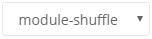
module-shuffle layout selected in the layouts editor so its texts can be changed
At the moment, the same layout is used in all screens, i.e Desktop, Tablet and Mobile Phones. We will soon add options to assign layouts per screen so you can still have the regular layout displayed when loaded from a desktop or a tablet device. This is a premium module

Single/Double Sided Module

Let customers open the editor with a single-sided or double-sided design.

Page Count

Sync your product quantity element with the page count of a PitchPrint project.