

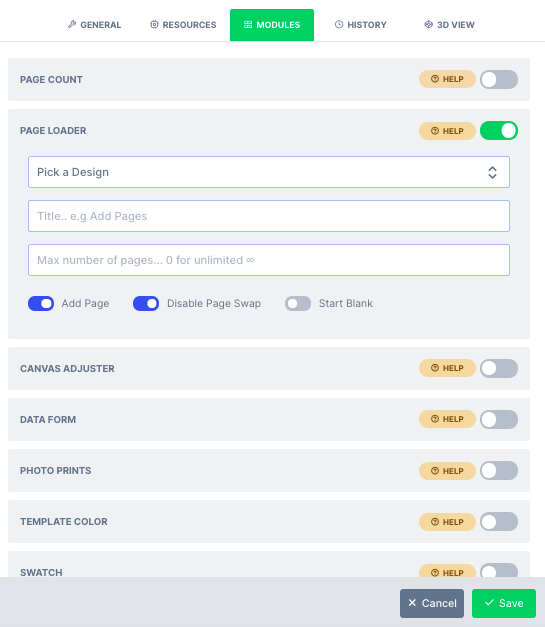
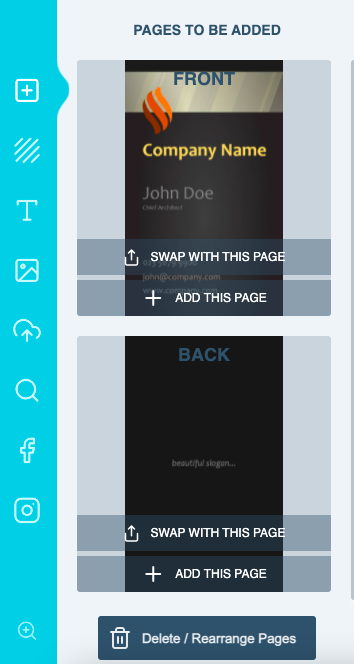
- Add Page: This option when enabled, allows users to add new page from the source design into the main design.
- Swap Page: This option allows the users to swap their existing page with a new one from the source design.
- Delete Page: This gives users ability to delete pages from the current design
- Start Blank: When enabled, this option deletes all the pages from the existing design so your users gets to start by adding pages afresh from the source design
What’s new
4 releases have changed this feature since the article was written.Page Loader and Thumbnails
Latest WK26-26 · 25 June 2026 — We’ve fixed an issue in the Page Loader Module that affected custom thumbnails on the front end.
Sync User data across pages when using Page Loader
WK32-25 · 7 August 2025 — We’ve resolved an issue reported by a customer involving the Page Loader module.
Offsets in Combination with Page Loader
WK21-46 · 2 December 2021 — We had an issue with the offsets of a template image occasionally moving off the template when switching between pages whilst using the Page Loader module.
Page Loader Title
WK21-24 · 23 June 2021 — Page loader title did not update on the product page and we fixed this issue.