🎯
Convenience
Customers can Design, Customise, and Order Printed Materials online anytime, from anywhere, without needing to visit a physical store. This 24/7 access makes it easier for them to manage their printing needs.

Transform your EKM store into a powerful online design platform. Let customers personalize products with our intuitive editor and real-time 3D previews. Get print-ready files automatically. Install in minutes.
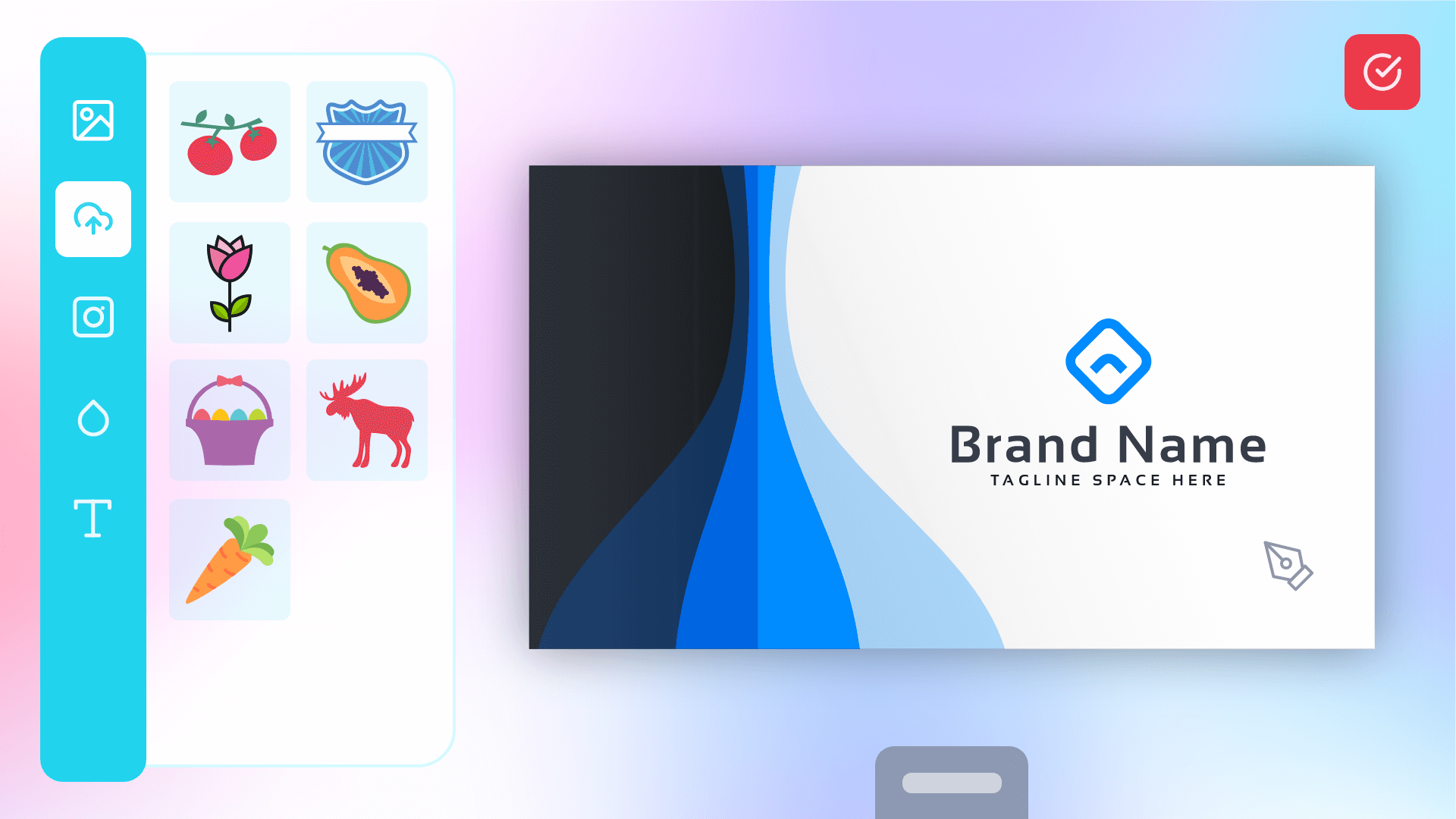









Transform your ecommerce store with powerful customization features that delight customers and streamline your workflow.
Customers can Design, Customise, and Order Printed Materials online anytime, from anywhere, without needing to visit a physical store. This 24/7 access makes it easier for them to manage their printing needs.
Web2Print platforms offer ready-made templates and pre-designed options, saving customers time and design costs. With instant ordering and reordering, the process becomes faster and more efficient, reducing delays.
Customers can easily personalise products with their own branding, logos, and text ensuring the final product aligns with their unique needs. This flexibility can lead to more creative and effective marketing materials.
Customers can view real-time design previews and make instant adjustments, reducing errors.This streamlines approval and increases confidence in the final product.
Ready to transform your print business?
No credit card required • Setup in 5 minutes • Cancel anytime
Switch product categories to see how your customers would interact with the editor.
Live Editor Preview
No product selectedGet your web-to-print store running in minutes. No technical expertise required. Follow our step-by-step installation guide below.
Our support team is ready to assist you. Access detailed documentation, video tutorials, or contact us directly for personalized help.
You get high resolution print-ready PDF with crisp, clean vector elements in either CMYK or RGB format. In addition, you can download as JPEG or PNG
PitchPrint is built on AWS Serverless Cloud, which vastly scales to accommodate billion of requests. Anytime, seamlessly.
From the theme, fonts, images to layouts, you can undress every pixel and fully customize the app to blend into your website's look + feel.
We innovate everyday and with the help of our customers, have built and keep building the product to be the best.
We don't settle!
Let customers see exactly how their design looks on the finished product from every angle. They can rotate, zoom, and inspect their custom creation in realistic 3D before ordering—eliminating doubts and dramatically reducing returns.
Try rotating the sample product on the right, or
Click here to edit a product sample
These are the features that most directly increase order volume, reduce manual work, and improve print quality across your store.
How we helped print companies like yours thrive
Do you print Wedding Invitations, Greeting Cards, Tshirts, Banners, Phone Casings, Envelopes, Loyalty Cards, Restaurant Menus, Burial Programmes, Wine Labels, Wall Murals, Vehicle Decals, Sport Jerseys etc?
We hold periodic webinars. You can sign up for one or schedule a one on one tour of the application.