

In-App Size Selection
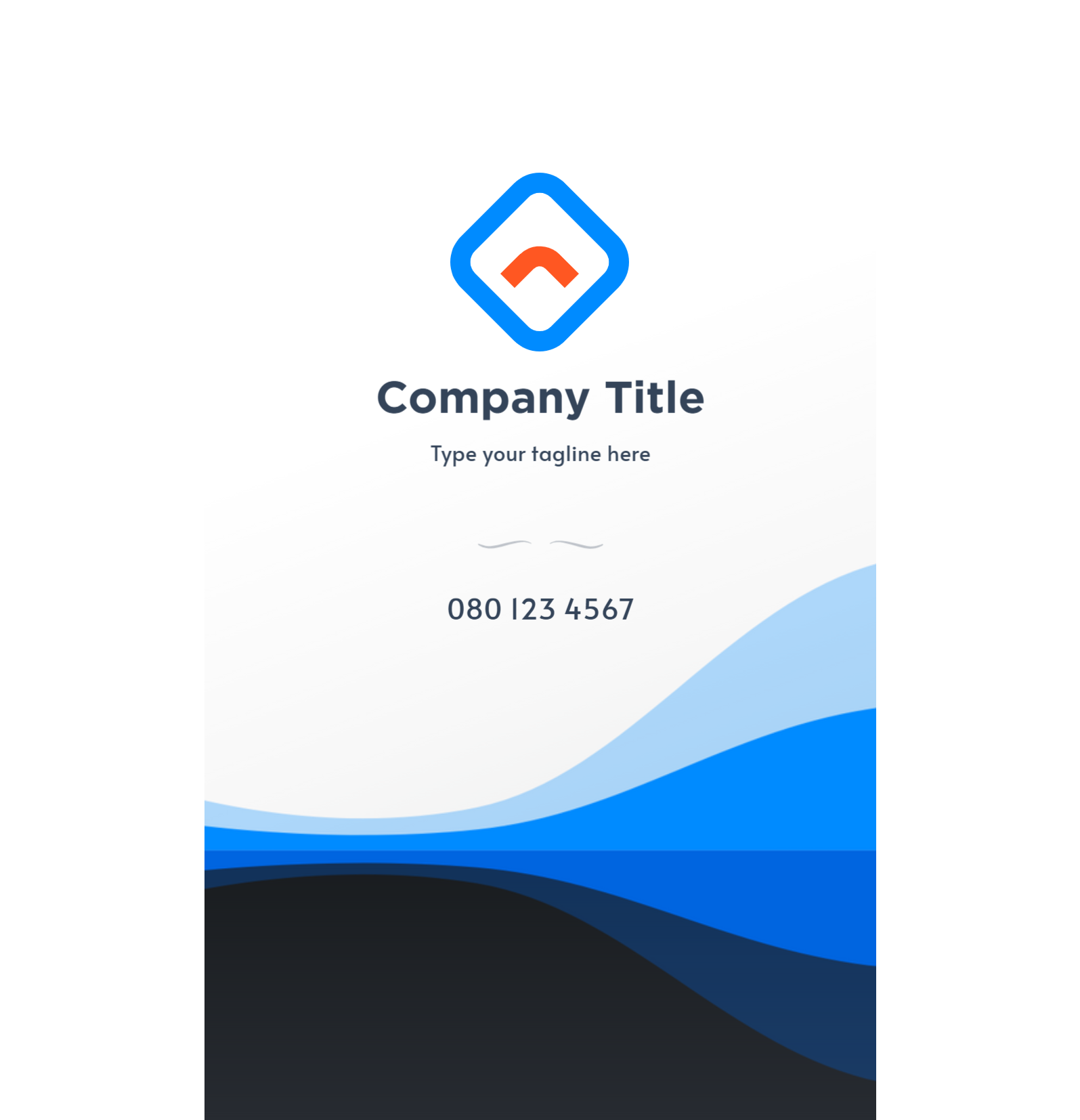
The panel below will be shown on the App product page if Smart Canvas is enabled. With this, your customers can pick which design layout they love.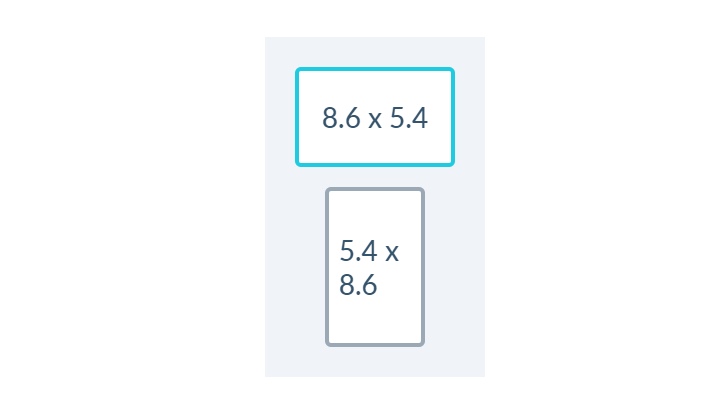
Product-side Size Selection
You can also have your customers change sizes from the product page, by providing the selector to an element that provides the list of sizes that your customers can choose from, example: PPCLIENT.smartSizeSelector = ‘#dimensions’; The above should be inserted in your PitchPrint Admin Settings, under Custom Javascript. Note ‘#dimesnoins’ is just an example, you would need to provide your own selector that can be found on your product page, if it has a size selection.Positioning
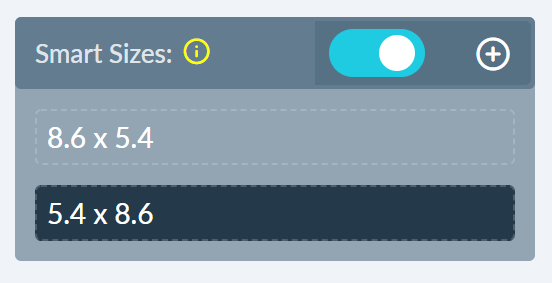
When adding new elements to the canvas they need to be positioned in both instances, for it to display correctly. To enable Smart Canvas go to your designs page in the admin, open the design where you would like to enable Smart Canvas. You should see the below option on your left enable it and start by adding a new smart page by clicking the plus icon⊕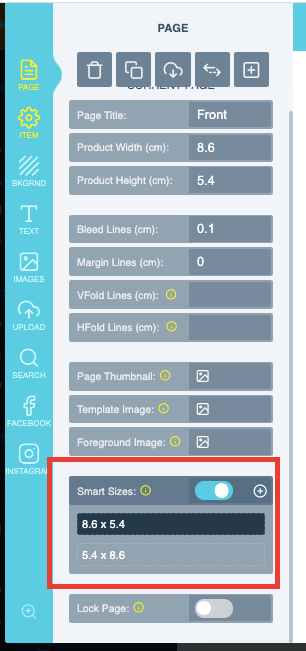

Related articles
Smart Size Design
Create multiple size variations of a single design from one layout.