Pixabay is an image library with a great collection of free images. They also allow external sites to search through their collection and as such, we have integrated PitchPrint with their service such that your customers can easily search for images within the app and use them freely in their designs.
1

Enable the Pixabay plugin

To enable this feature navigate to the Settings page. Go to the Plugins section and enable the Pixabay Search feature as shown in the image below, please save the changes you make.
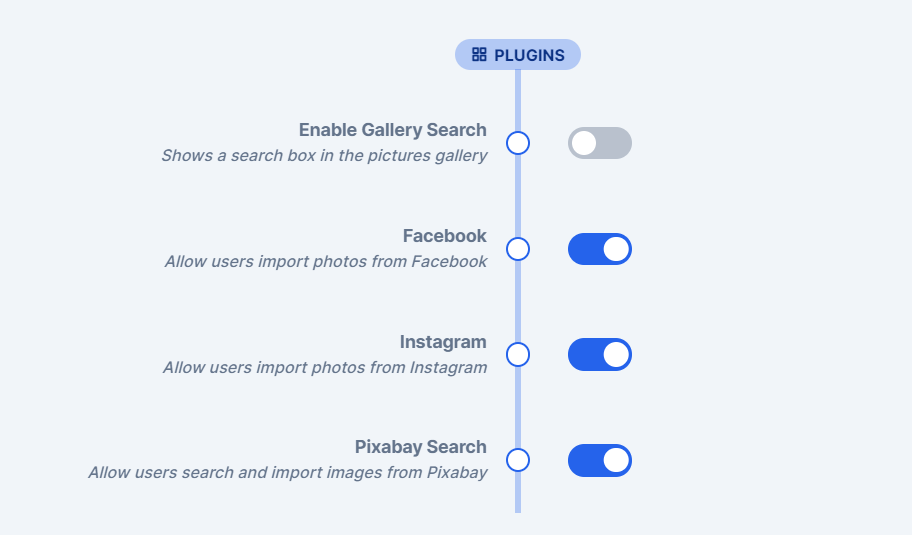
Plugins section of the admin settings with Pixabay Search switched on
2

Check the tab in the app

You will then see the Pixabay Search tab when opening PitchPrint on your site as shown in the image below:

Pixabay Search tab open in the PitchPrint app