1
Install WordPress
Download and install WordPress from wordpress.org.
2
Install WooCommerce
In your WordPress admin go to Plugins → Add New and search for “WooCommerce”.To install it manually, download the WooCommerce zip.
3
Install GleamPrint
Go to Plugins → Add New again, search for “GleamPrint” and install it.
4
Activate both plugins
Go to Admin → Plugins → Installed Plugins and activate WooCommerce and GleamPrint.
5
Create a product
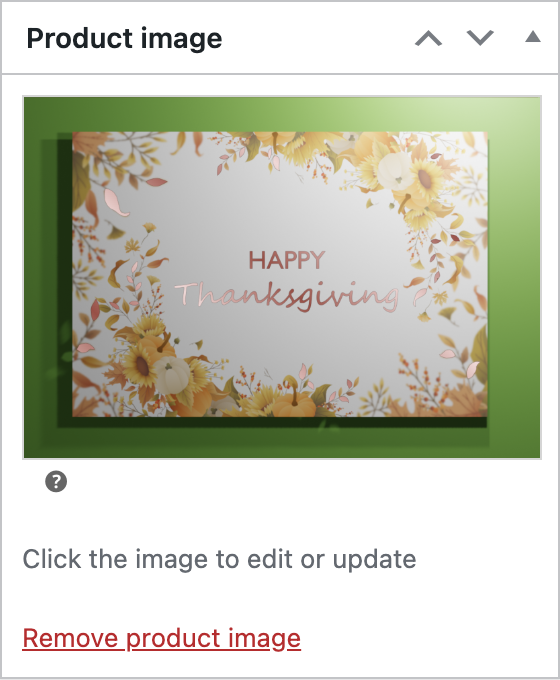
GleamPrint works on WooCommerce products, so go to Products → Add New and fill in the title, description and price.
6
Pick a gradient and animation
In the panel on the right of the Add New Product screen, choose your gradient and decide whether to add the light reflection movement or keep it static.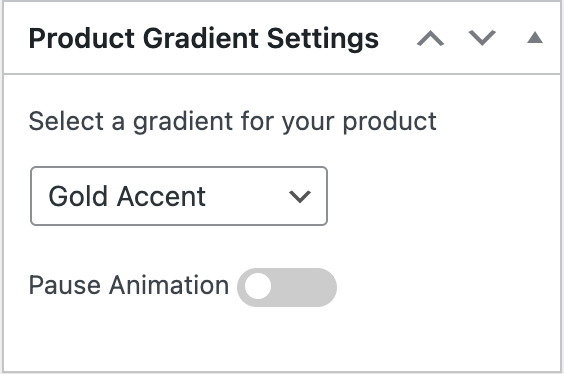
7
Publish the product
Publish, and the product should look like this: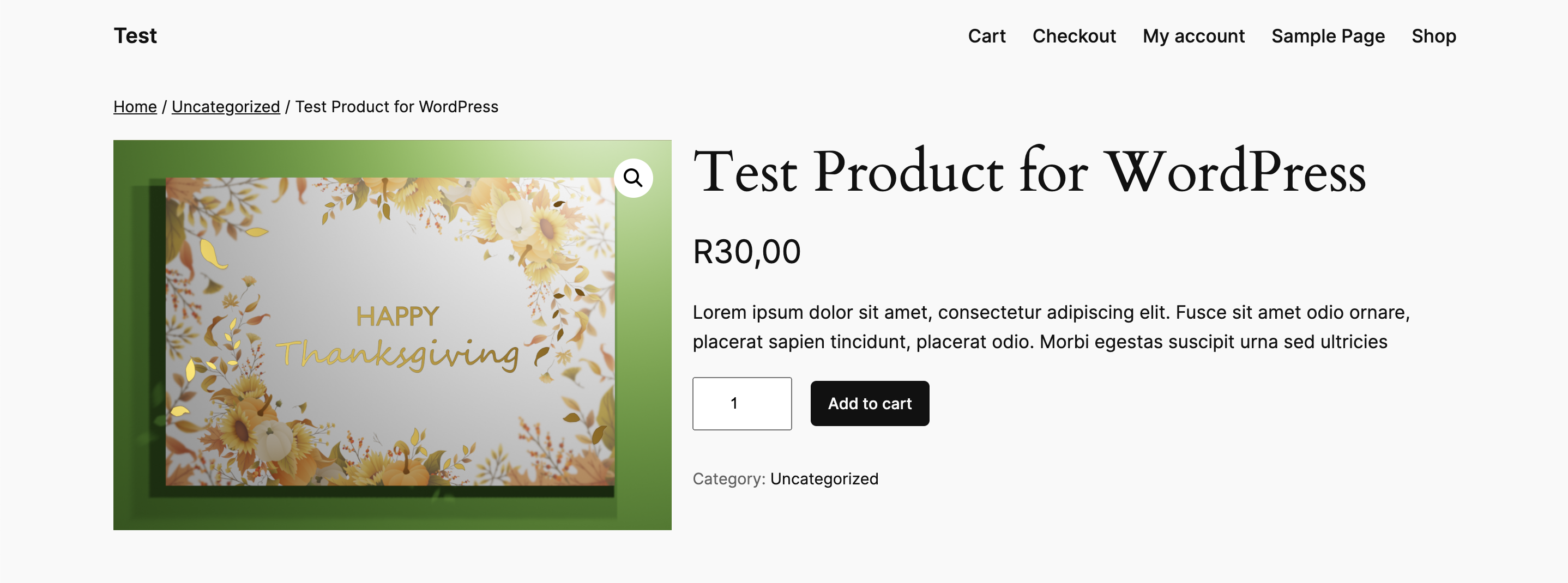
8
Preview other gradients
Once published, return to the product page to preview how each gradient looks without the animation.