

-
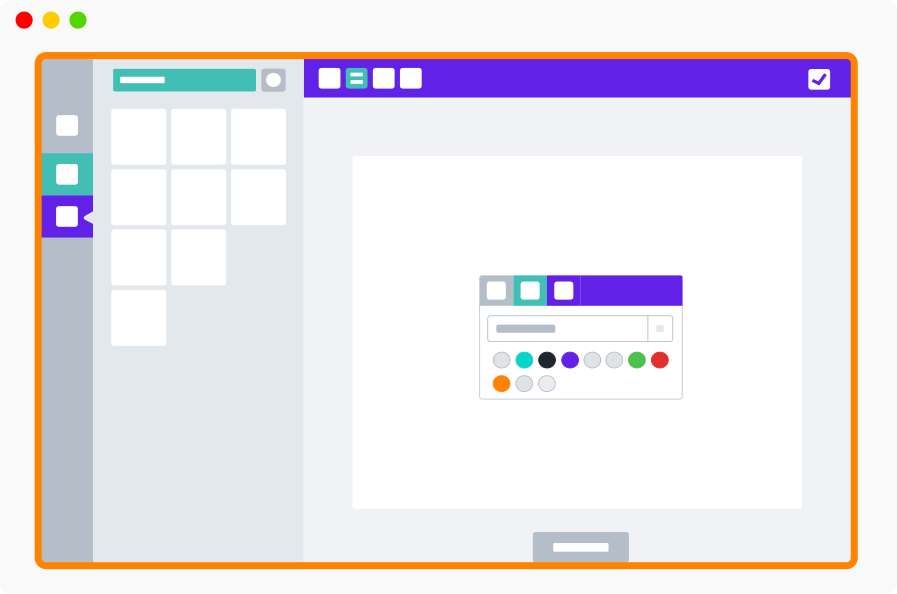
Modal display - Full browser window
-
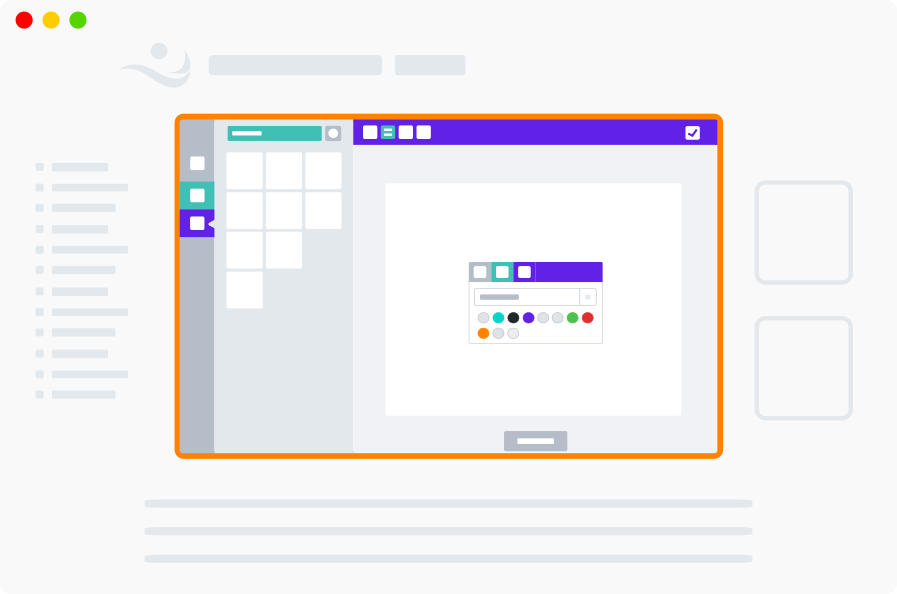
Inline display - Appears inside the product page with full width
-
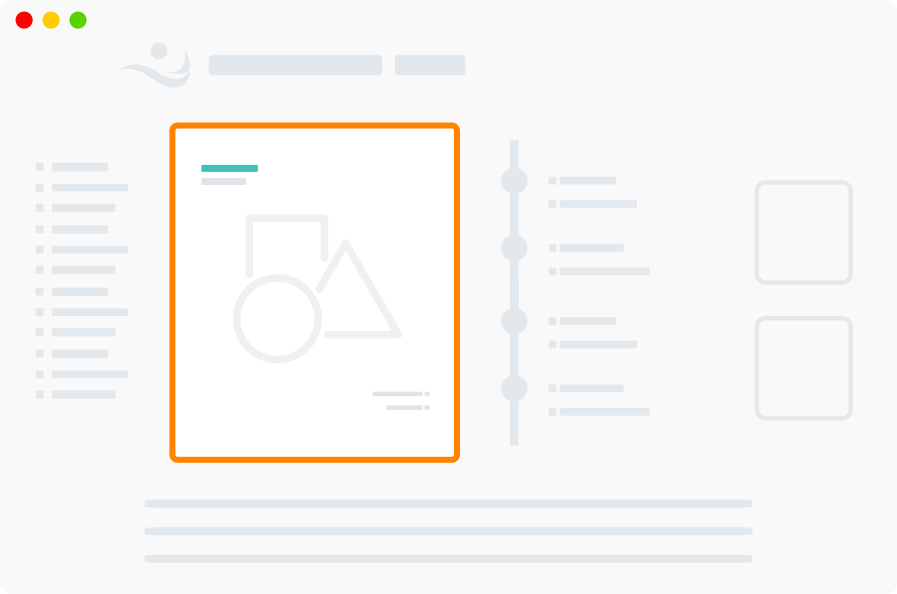
Mini display - Appears inside the product page with minimal editor
Customization & Display
Display Modes
Choose whether the designer opens as a modal, inline in the product page, or as a mini canvas, and set it per store or per product.
PitchPrint display mode is used to configure how the application should appear in your product page. The 3 display mode options are: