·
What’s New 🚀
This is a major release but, it’s non-breaking, which means you can easily turn it on or off with a switch in your settings page. Your old designs will work fine with the new version as well as your old projects and configurations. Version 10 bears a new rendering engine and under the hood, we have re-written the codebase to be more efficient and modular. You will perceive the clear difference between the two versions as shown in this picture: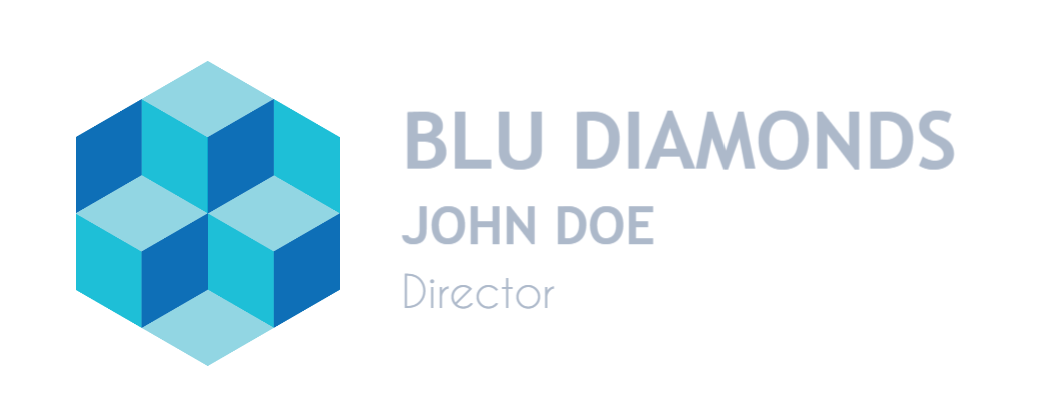
Version 10 Preview
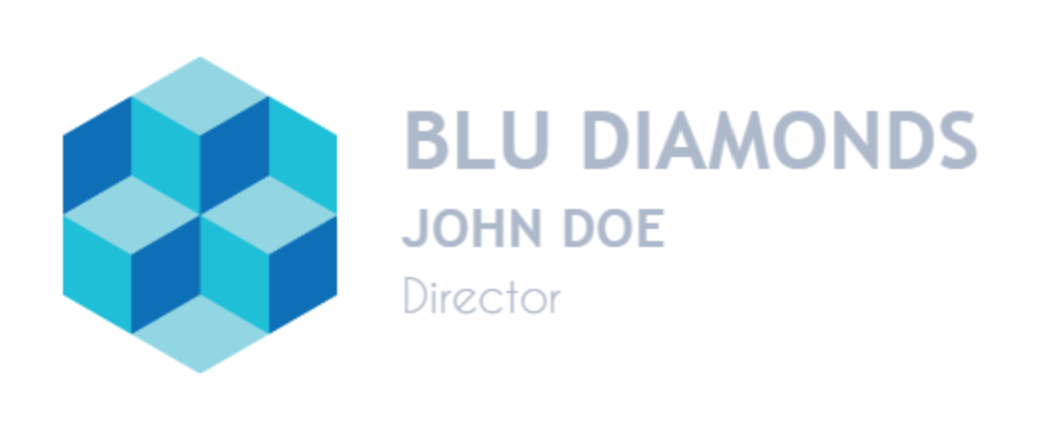
Version 9 Preview
Control Anchors
In our prior version, the control anchors are clipped along with the canvas. In v10, they extend beyond the canvas and makes for a much better experience.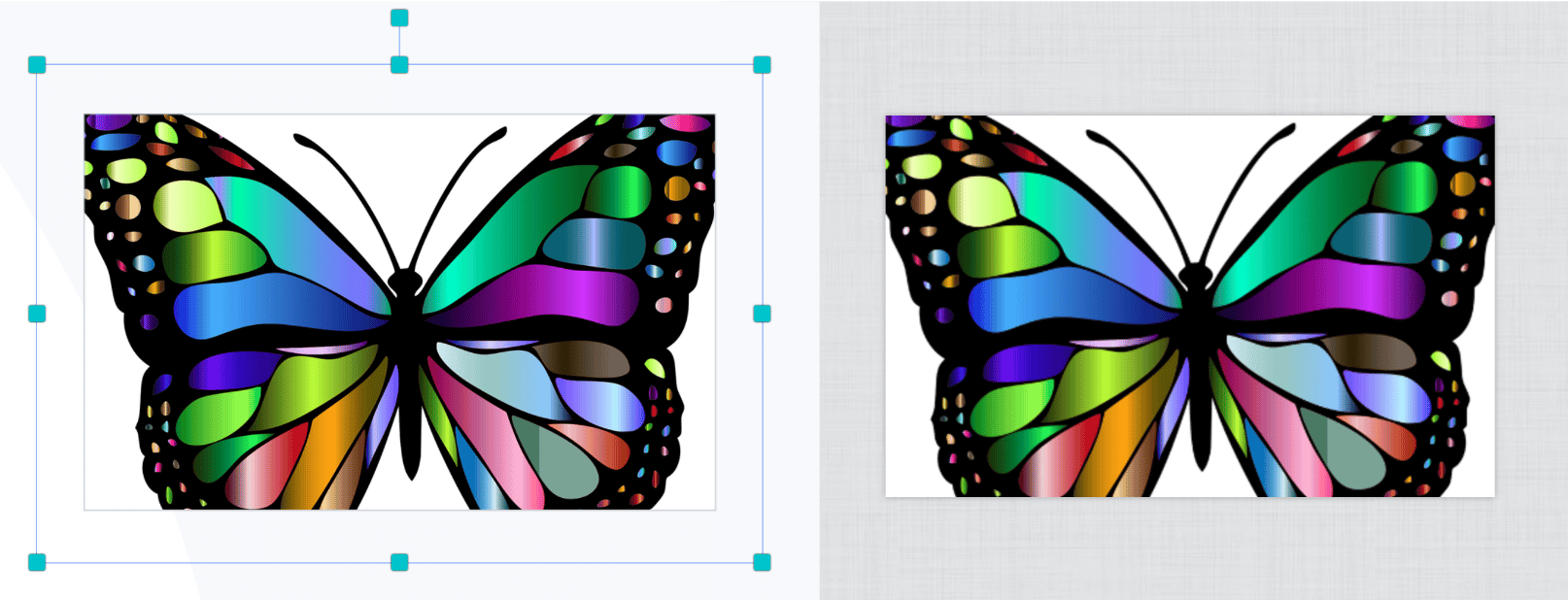
With items selected, v10 on the left maintains the anchors beyond the canvas area
Fonts
In this new release, fonts are loaded only when the user opens the fonts picker, as against the prior system of loading fonts alongside other elements which in turn delays the app-ready time. Only fonts used in the design are priority-loaded at initialization. Further more, we added the ability for customers to select and import any Google Font into their projects for use, just like we have in the admin. Custom font upload will be supported in an upcoming minor release.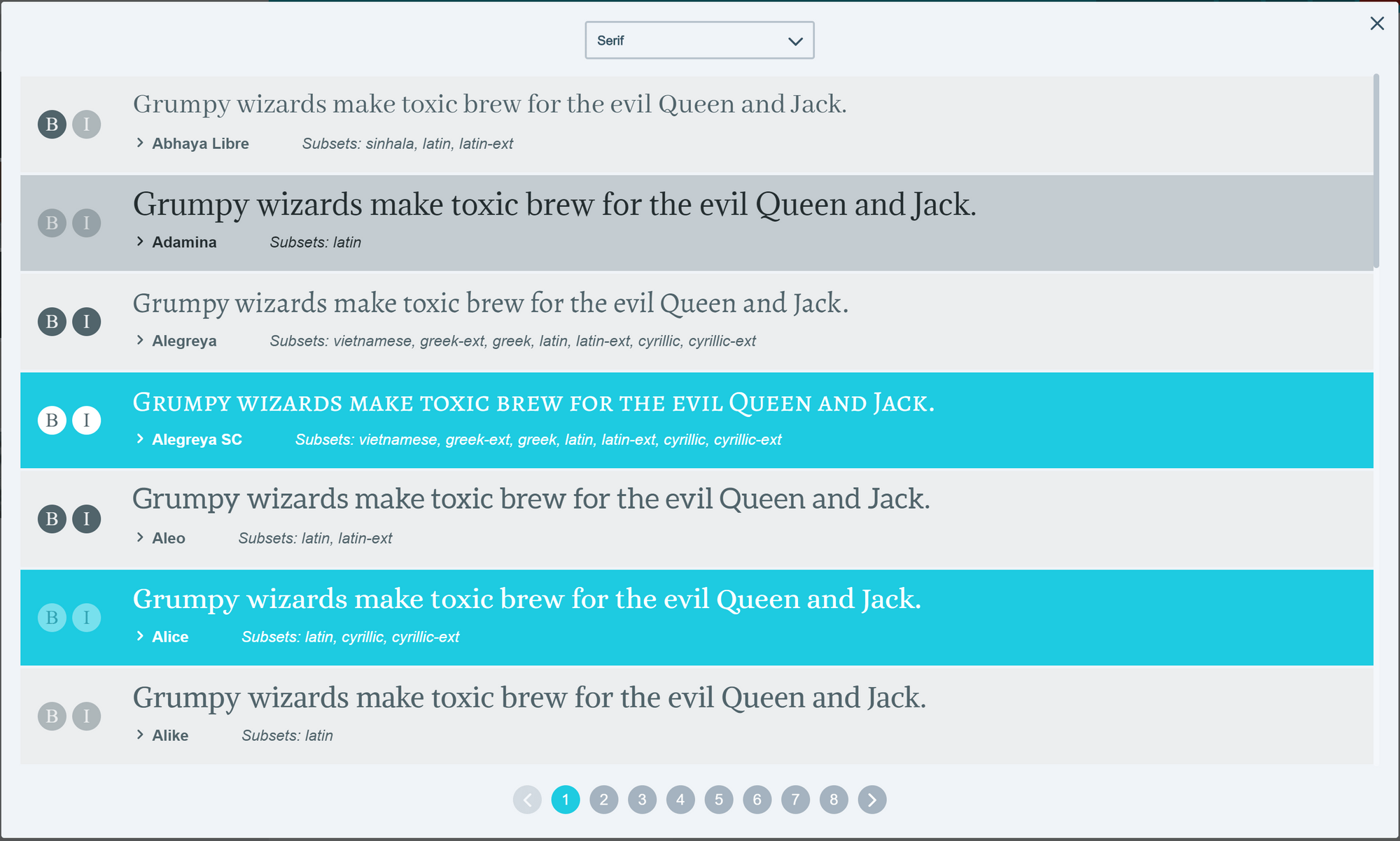
Customers can now import Google Fonts for use in their projects
Background Mode
Clicking on the canvas sets the stage to a Background Mode with red highlights around the canvas. In this mode, users can change the background image apply a color, set its opacity or outright delete the background, making for a transparent design. For image backgrounds, we now have Fill, Fit, or Stretch position modes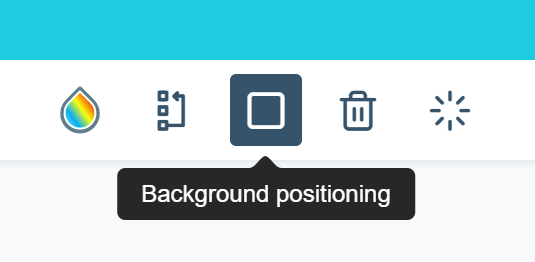
Background Position Mode
Gradient Colors
Yes, we now have linear gradient colors for background and shapes. We plan on applying this to text elements as well.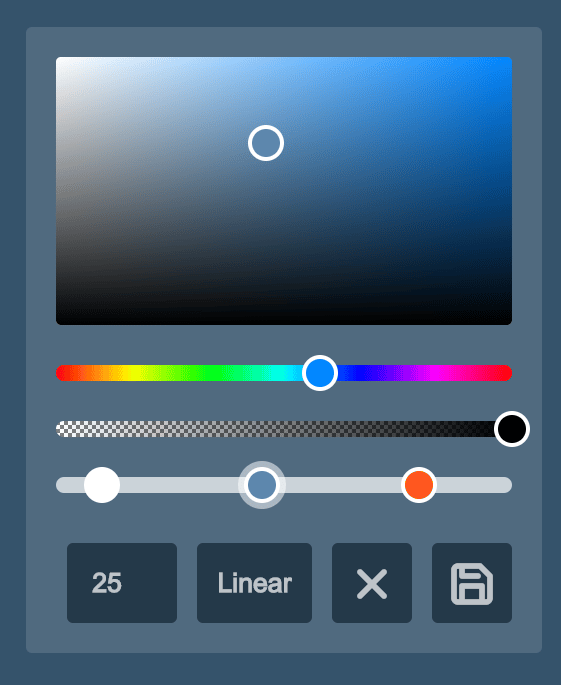
Gradient Color Fill
Draw on canvas
We added pen to allow users draw on the canvas. Our ultimate goal with this is to give users the ability to draw any basic shape like lines, rectangles, circles etc. with stroke and fill colors. This is already in the works.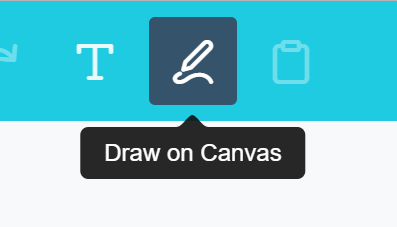
Mobile layouts
Version 10 does not use a separate layout for mobile and desktop. Rather, we used browser CSS to re-architect the same layout to fit mobile screens. With CSS, we can easily implement different mobile layouts without the overhead of managing a plethora of HTML files.Themes
Version 10 brings a fresh modern styling to PitchPrint, with softer edges, vibrant color system and an overall more appealing app. With this architecture, we will be releasing themes that can be easily applied by customers.Image Editor
We now have our own image editor baked right into the app. At the moment, it is basic with crop and filters. Admins can later create their own filters and presets that can be easily applied by your customers.Holidays
It’s been a wonderful year for us and much thanks to you all for your unwavering support and trusts in our product. We will be taking our holidays break today 13th of December. There will remain skeletal support for critical issues so you can reach us via our regular channels. We wish you a very great Christmas and a wonderful 2020 ahead 🎄🎅!