

localStorage to run. Tightened browser security settings can block it, and when that happens the Customize button doesn’t appear on your product pages.
Internet Explorer is not compatible with our platform at all. For other browsers, the fix is a security setting.
1
Check what the editor reports
We detect Internet Explorer and show this message. Click fix this problem to see the next steps.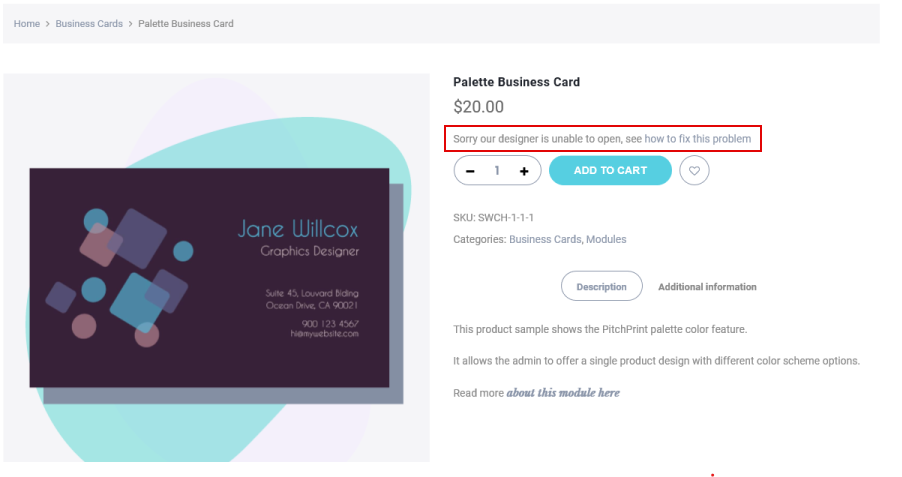 A popup then prompts you to update or change your browser.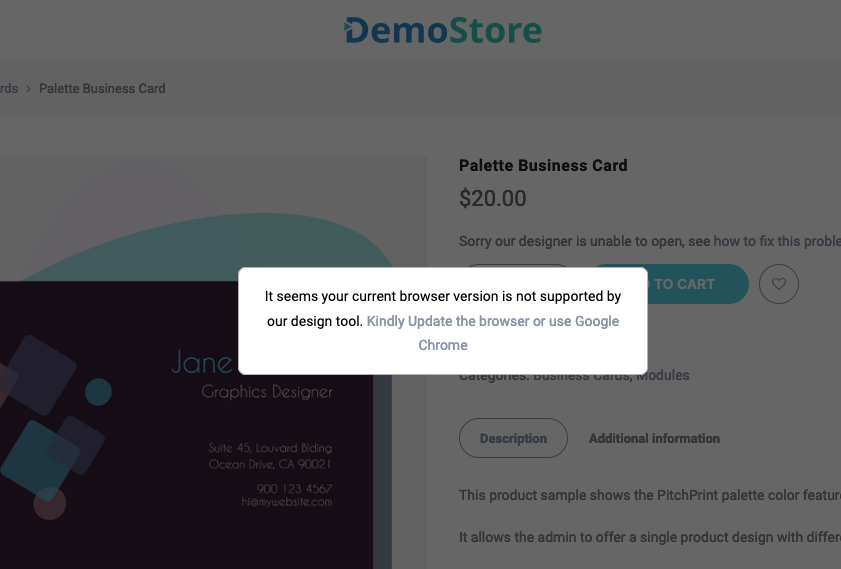
2
Update your browser's security settings
Pick your browser below and apply the change.
- Chrome
- Edge
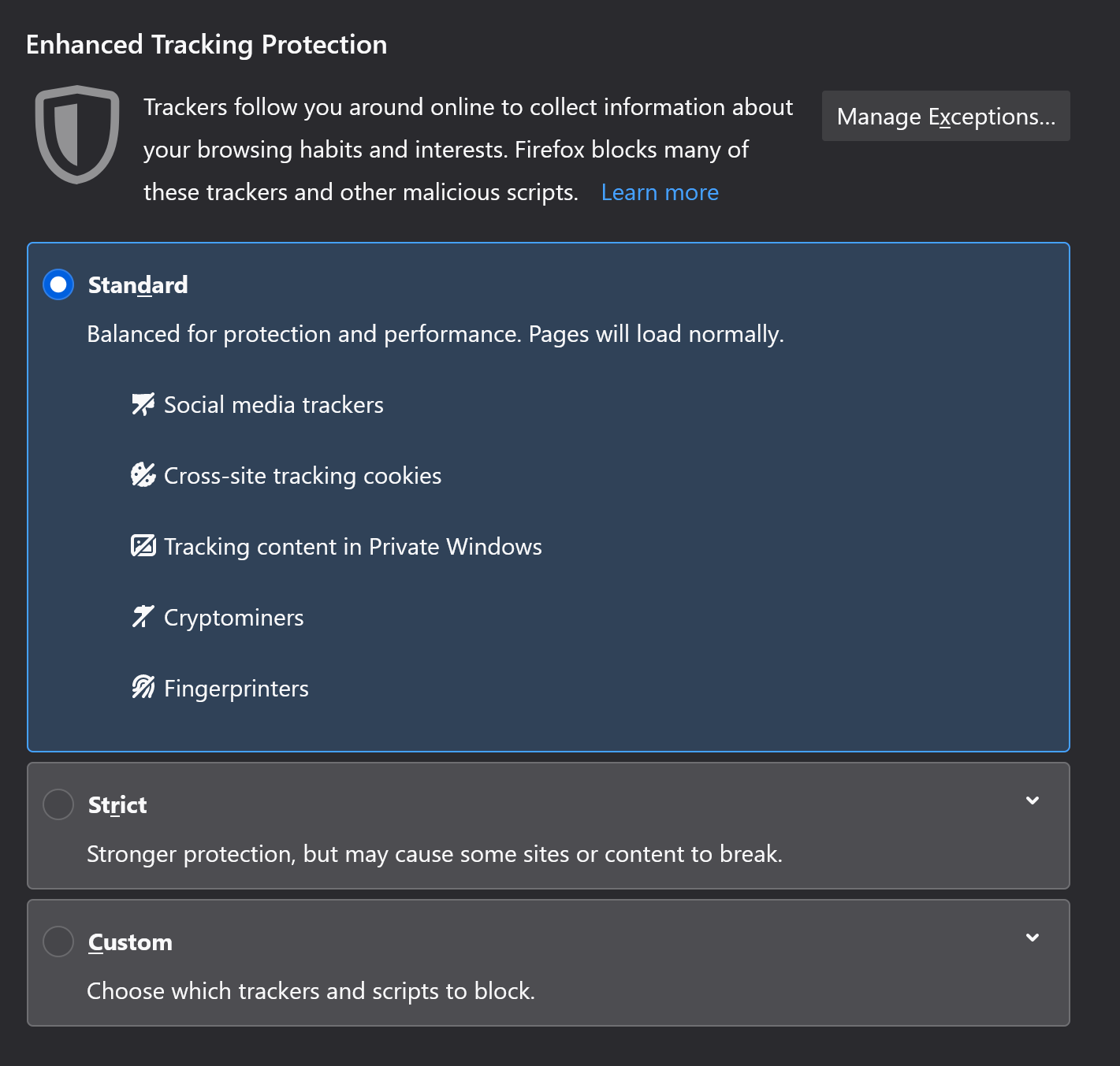
- Firefox
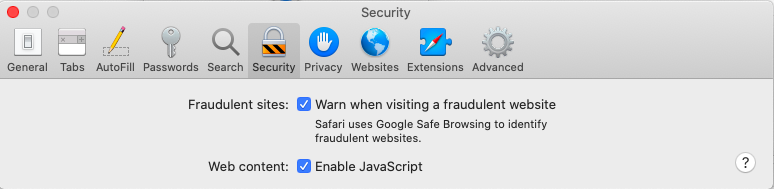
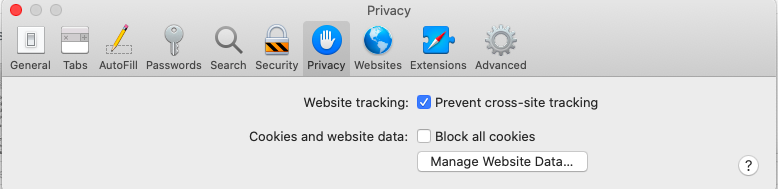
- Safari
Go to Settings → Privacy and security → Security (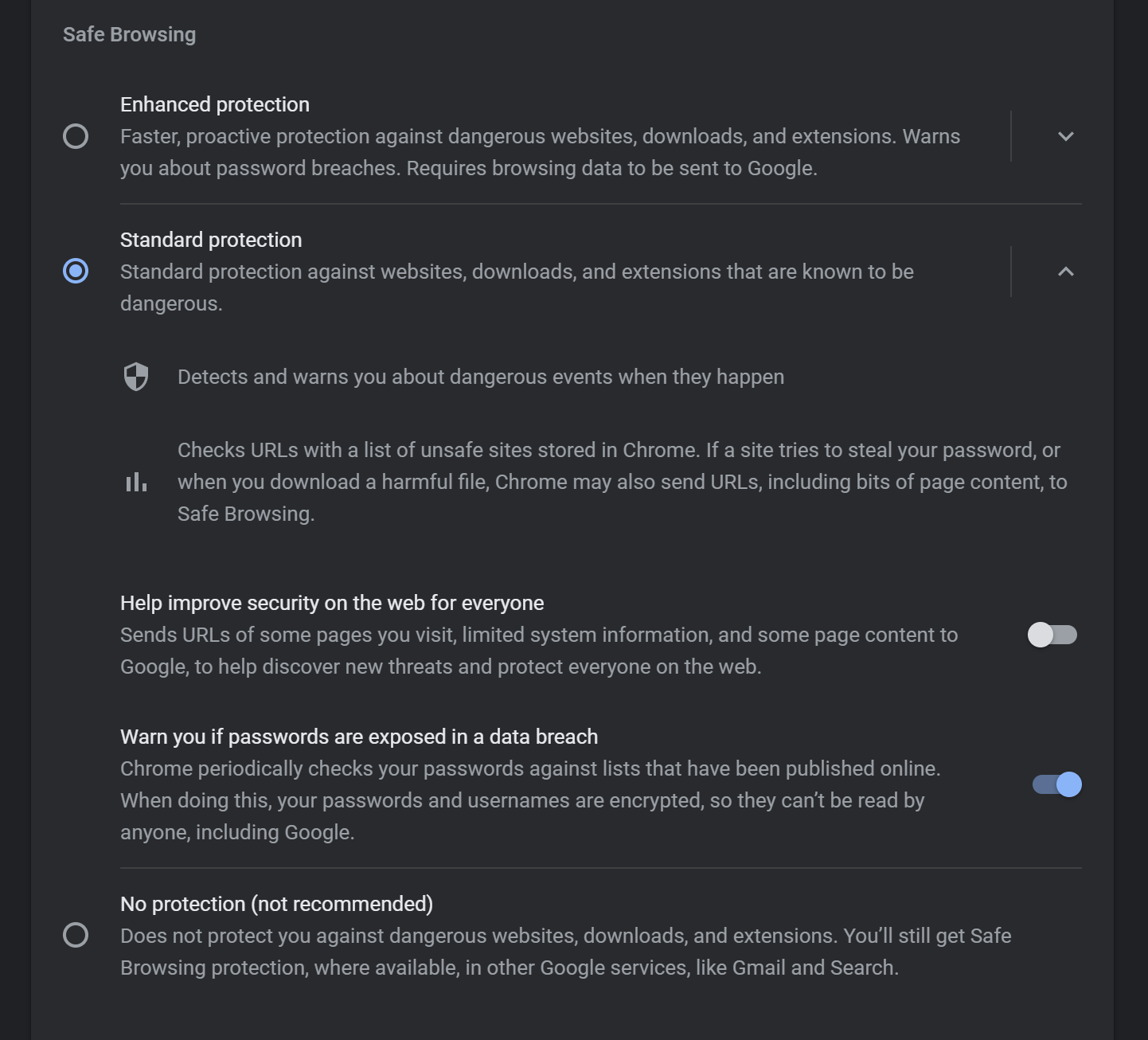
chrome://settings/security) and switch to Standard protection.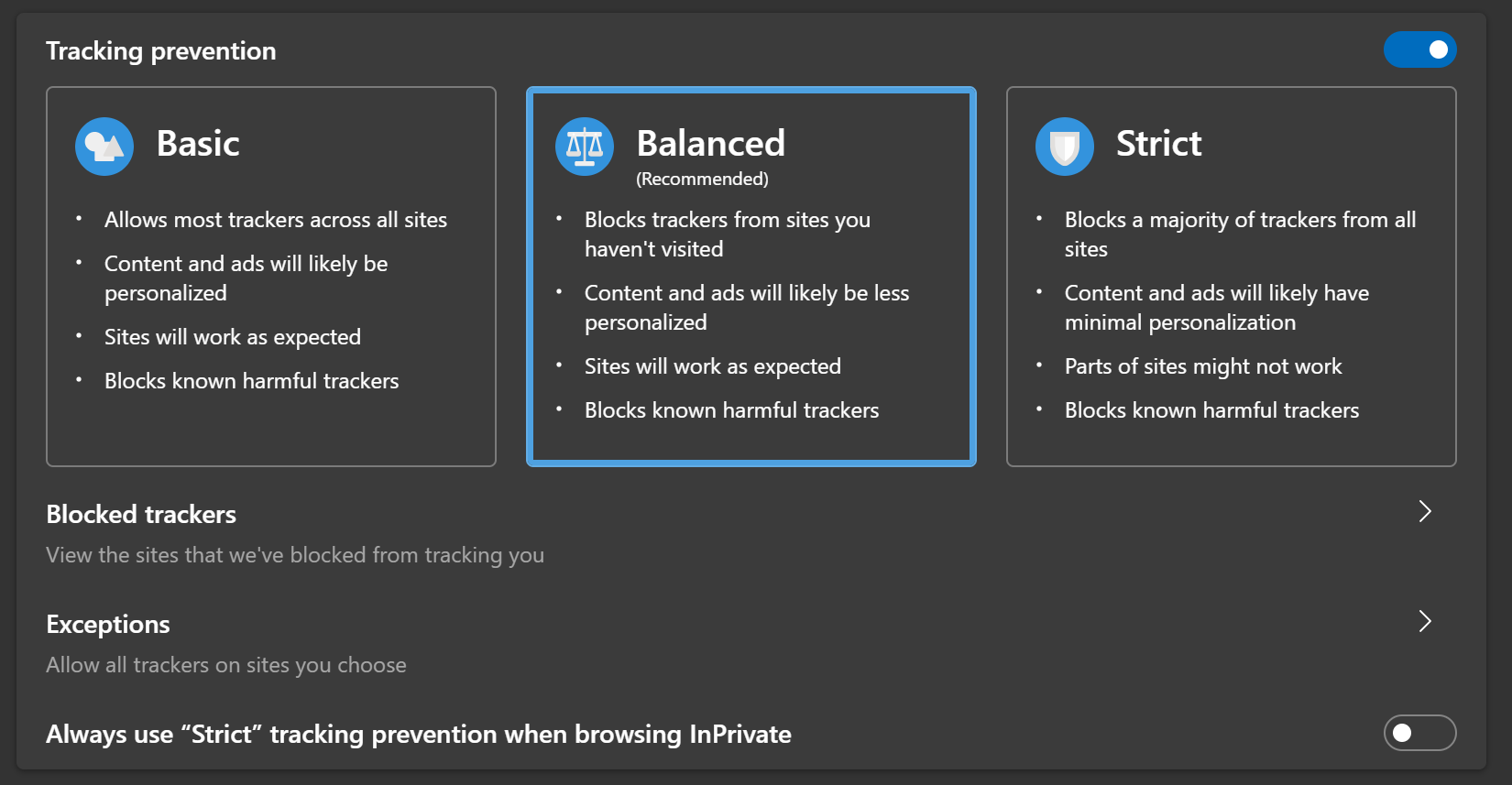
3
Reload and check the product page
With the setting updated your browser will stop blocking
localStorage, and designs will load correctly from then on.If the problem persists, get in touch with our support team and we’ll help you work through it.